The container is sealed and the truck has left. Three days later the customer calls: one carton of table legs is missing. That table can't be assembled, and the warehouse starts digging through dispatch notes and recounting the racks to find where that carton went.
In a finished-goods warehouse for furniture, the hard part isn't the number of product codes. It's the cartons. They are big, heavy and stacked three or four levels high. One wardrobe ships as two or three cartons. A carton of oak tables looks exactly like a carton of walnut tables; only the line of print on the label is different. Count by eye and write slips by hand, and sooner or later something gets missed.
RFID fixes exactly this. Every carton carries an RFID label with its own code. An RFID scanner doesn't need to see the label the way a barcode scanner does, so you can stand in the aisle and still read the labels on cartons on the top racks.
The short version
- Furniture finished goods are hard to count: big cartons stacked high, one product in several cartons, and many cartons that look alike.
- Every carton gets one RFID label, linked to its product code on the desk reader at the packing table.
- The handheld scanner does the rest: receive a whole pallet at once, count from the aisle without taking pallets down, scan each carton as it ships.
- Your ERP stays. Product lists and stock move as Excel files; for an automatic link, use the API/SDK.
- The kit is $1,199 before VAT: a handheld scanner, a desk reader, 2,500 labels and the Sense Inventory Essentials software at $0/month.
Why furniture finished goods are hard to count
A clothing warehouse counts pieces. A furniture warehouse counts cartons, and cartons bring their own problems.
Cartons stacked high, labels facing in
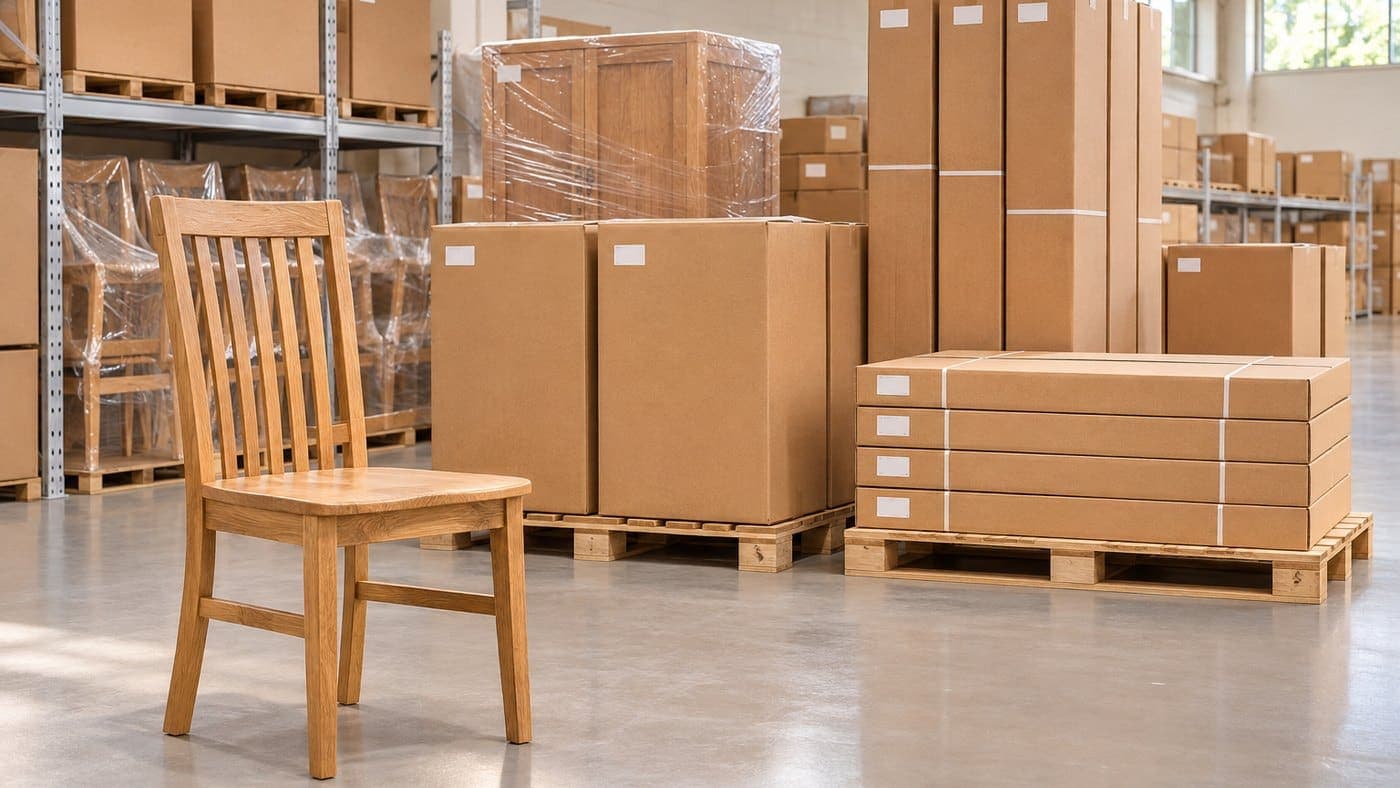
Pallets of cartons sit on racks three or four levels high, or in block stacks on the floor. Which side the label faces depends on how the carton was stacked, and some face inward. To read the labels on the upper levels, the pallet has to come down on a forklift. Every stock count needs several people and a forklift, so it is easy to push it to next month.
One product, several cartons
A wardrobe ships in three cartons. An office desk ships in two: the top in one, the legs in the other. On paper it says "20 wardrobes", but in the warehouse that is 60 cartons, and one missing carton means one set can't ship. Counting by hand, it is hard to see which carton is short, and sometimes you only find out at the customer's door.

Cartons that look alike
The same table comes in three wood colours and two sizes. The plain cartons are identical; only the code printed on the label differs. In a rush, picking the oak carton instead of the walnut one is an easy mistake.
Shipping by truck and by container
Cartons going onto a truck or into a container are counted by eye and checked against the packing list by hand. Cartons sit tight together and look alike, so one short or one too many is an easy mistake, and sometimes it only comes to light when the customer reports it.
The ERP lags behind the real stock
Goods-in and goods-out slips are written by hand and keyed in at the end of the shift. One wrong line and stock is off from the start, and nobody notices until the next count.
What these problems have in common: to know which carton is where, someone has to see each carton's label. The warehouse needs a way to read cartons without seeing the label and without touching each carton. That is where RFID comes in.
Label at the packing table: one label per carton
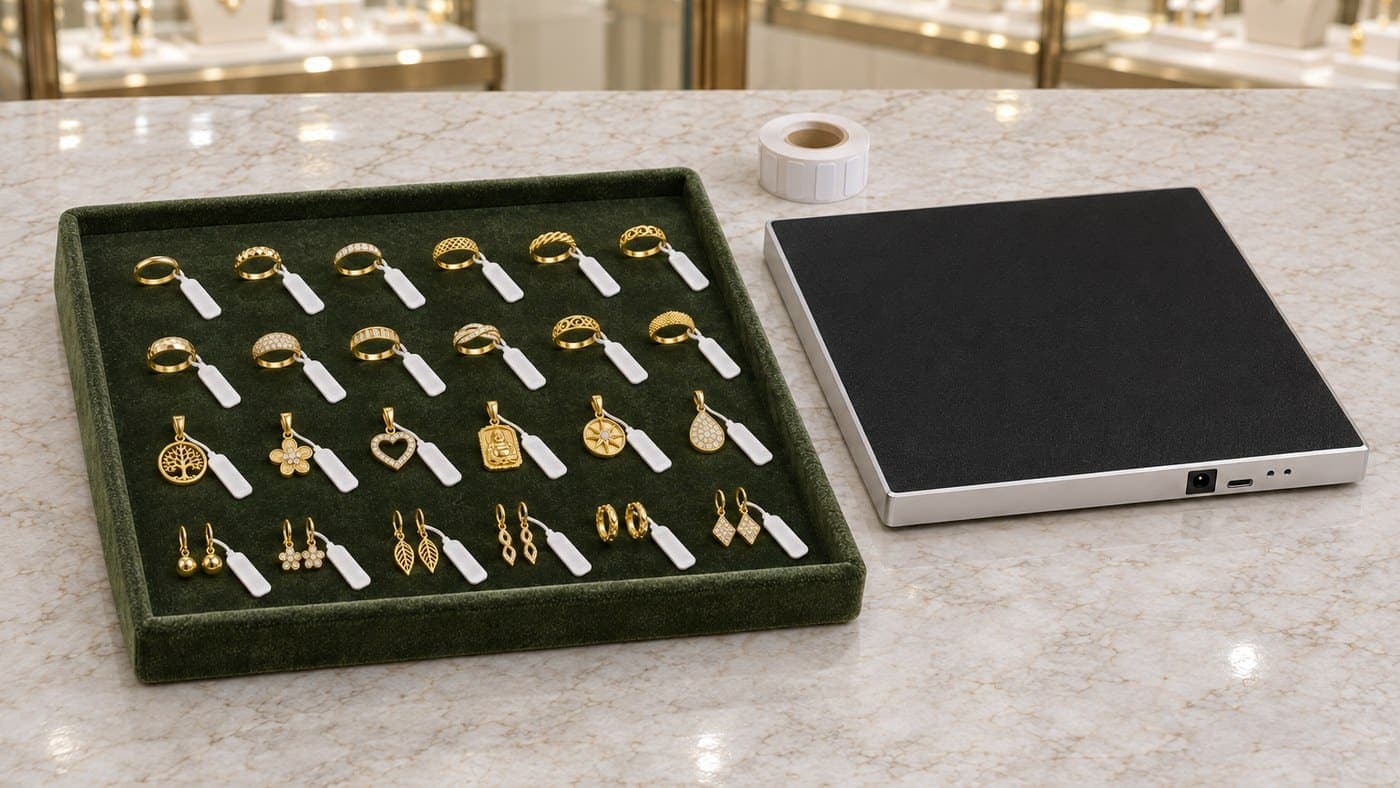
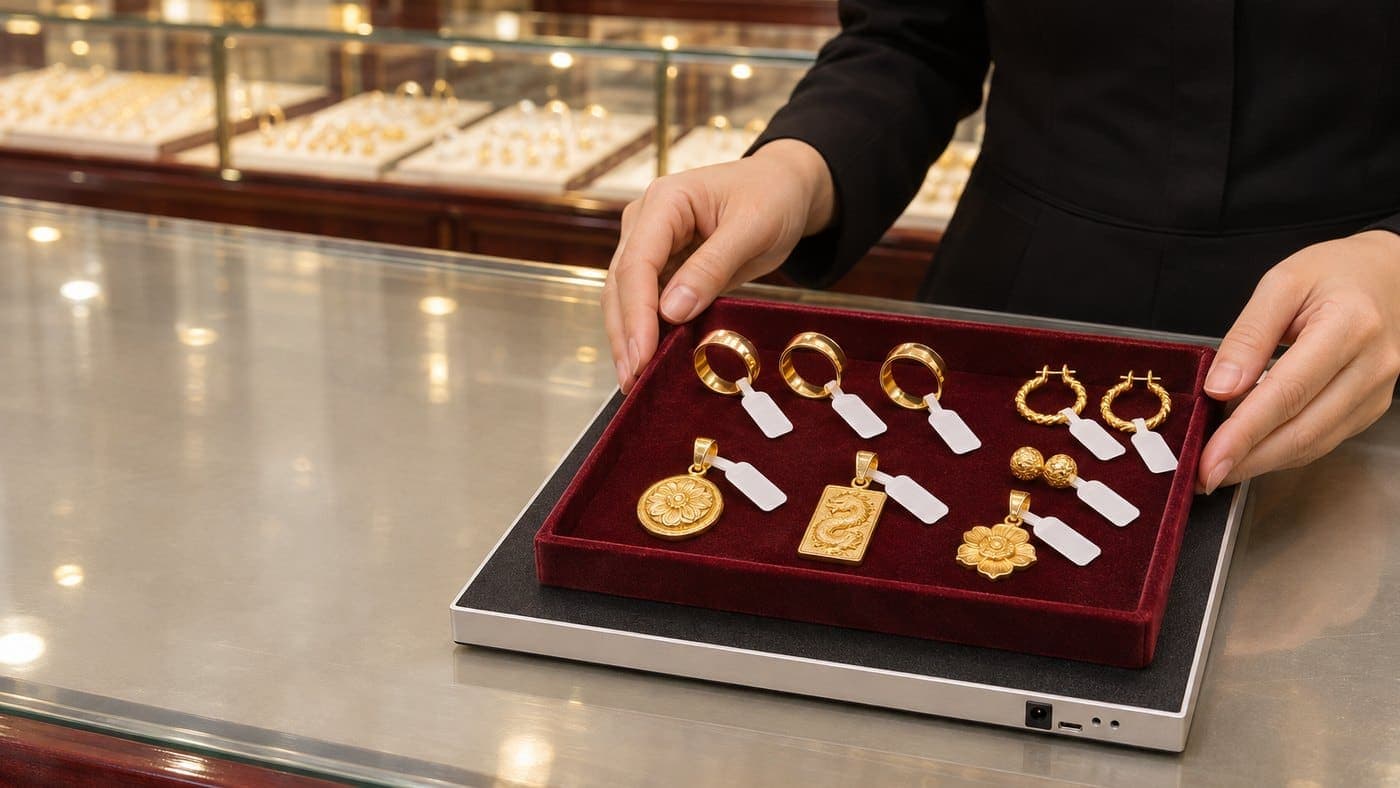
It all starts at the end of the line, when a carton has just been packed. Put the desk RFID reader on the packing table and plug it into a computer over USB. Place the label on the reader, pick the carton's product code, link the label to that code, then stick the label on the carton. Each label already holds its own code in the chip, so you don't need an RFID printer.

Three things to settle from day one:
- Put the label in the same spot on every carton. For example, the top corner of the side that will face the aisle. Your team gets used to it, and when someone needs to check one carton they know where the label is.
- Don't fold labels, and don't stack two labels on top of each other. Folded or overlapping labels read unreliably.
- Products in several cartons: link each label to that carton's code. If your product list already has separate codes for the desk top, the legs, or cartons 1, 2 and 3 of a wardrobe, link each label to its own carton's code. The software counts by code, so when you count or ship, the number for each code shows which carton is short. If your list doesn't split codes by carton yet, talk it through with Nextwaves at setup.
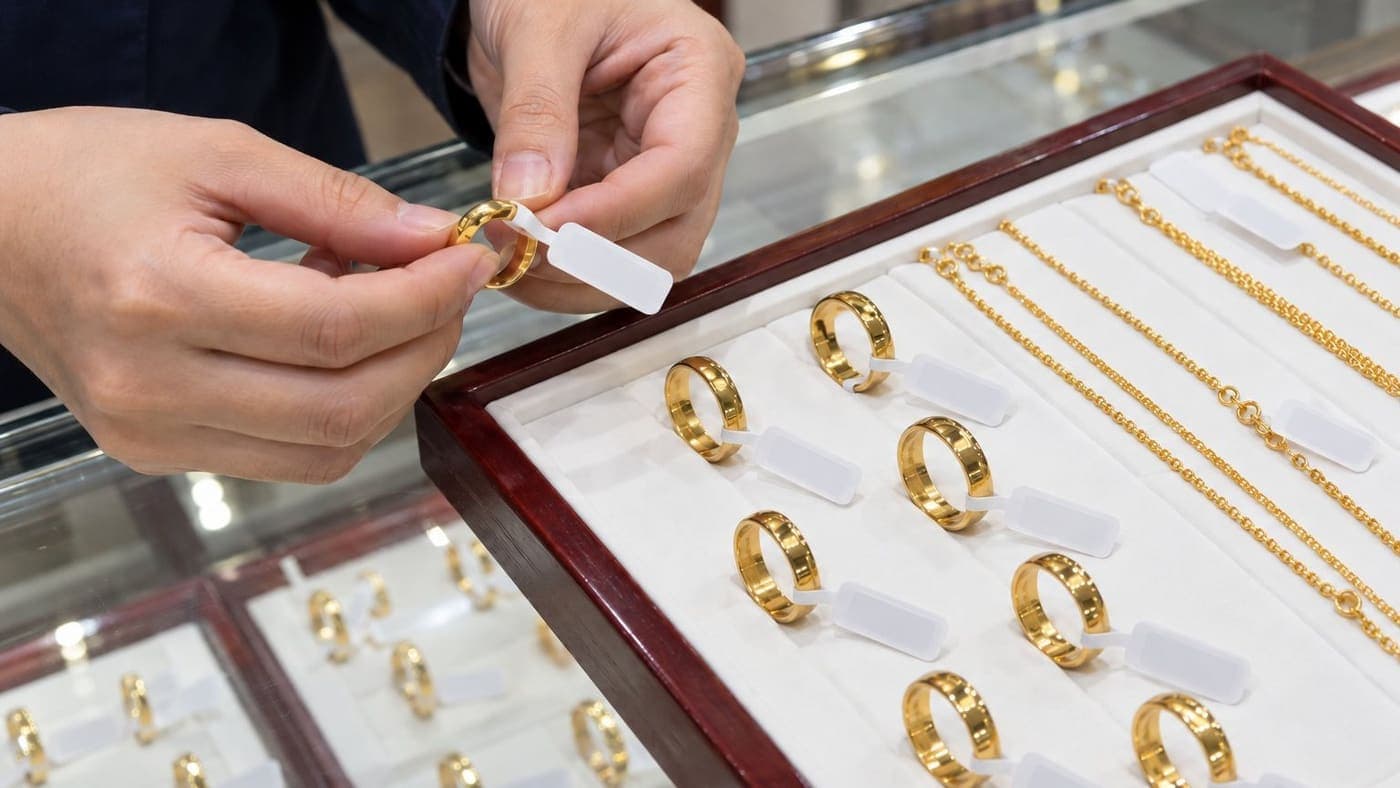
The labels on the cartons are thin UHF labels that stick on like paper labels. For more on label types, see what a UHF RFID tag is.
Finished goods in: scan a whole pallet with the RFID handheld
A pallet of cartons comes up from the factory floor. Instead of counting carton by carton and writing a slip, the storekeeper sweeps the RFID handheld over the pallet. It reads the labels on all the cartons at once, and they go onto the goods-in slip in one pass. The handheld connects to a phone over Bluetooth, so the storekeeper does this right at the warehouse door, not back at a computer.
Two habits keep the goods-in slip clean:
- Pull the pallet into a clear spot before scanning. The scanner also picks up labels on the pallet standing next to it, so scanning between two pallets mixes them up.
- Look at the list on screen, check the carton count against the factory's delivery note, remove any stray lines, and only then confirm.
Once the goods-in slip is completed, stock in Sense Inventory changes with it, rather than at the end of the shift when someone types up the paper slips. The ERP figure updates according to how the two systems exchange data, covered in the ERP section below.
Count from the aisle, without taking pallets down
This is where RFID helps a furniture warehouse most. Walk down the aisle and sweep the handheld along the racks. The labels on cartons at every level are read together. No pallets down, no climbing, no forklift to book for count day.

For each count, you choose the scope in the software:
- Whole warehouse: every code with stock in that warehouse.
- By category: for example, only office tables and chairs.
- Selected items: a few codes you suspect are off, or the codes about to go out on a big order.
When you finish, the results are split into groups. Missing means the stock book has the carton but the scan didn't find it. Extra means the scan found a carton the book doesn't record in this warehouse, usually goods in the wrong place or received without a slip.
A few habits that make the numbers trustworthy:
- Before counting, complete any pending goods-in and goods-out slips, and scan in any transfers that have already arrived. Otherwise the software reports gaps that aren't real.
- Follow a fixed route and finish one aisle before starting the next, so no area is skipped.
- Where cartons show as missing, scan again from the other side before deciding they are lost. Cartons deep inside a dense block can be shielded by the cartons around them.
Stock only changes when you close the count and choose to adjust stock. If a manager needs to see the result first, just close the count and stock stays as it is.
Need one carton fast: follow the beep
A customer urgently needs a replacement carton, or a carton was put in the wrong aisle. Every carton is the same brown, and checking labels aisle by aisle takes a lot of effort.
In the Sense Inventory app, pick the product code or the exact label you are looking for, start the search, and walk the aisles with the handheld. It beeps each time it reads that label. Each time, the scanner lowers its power, so you have to move closer to keep hearing the beep, narrowing in until you are at the right carton. Search by product code and any carton of that code will make it beep; to find one specific carton, pick that carton's own label.
Goods out with RFID: scan each carton onto the truck or into the container
As cartons are loaded, the storekeeper scans each one. Scanned cartons go onto the goods-out slip, stock is reduced carton by carton, and you know exactly which cartons have left.

Before the container doors close, look at the carton count for each code on the goods-out slip and check it against the packing list yourself. If each carton has its own code and the order is 20 wardrobes but the code for carton 3 shows 19, you see it right then, while the carton is still in the warehouse, not three days later from the customer's phone call.
To keep the goods-out slip clean:
- Keep goods that aren't shipping away from where you scan. The scanner picks up labels nearby too.
- If a stray line shows up in the list, remove it before completing the slip.
The goods-out slip here does one job: take the right cartons off stock. Sales orders, invoices and receivables stay in the ERP or accounting software you already use.
What about your ERP?
You don't need to change it. The Sense Inventory warehouse software handles the RFID side of the warehouse: linking labels, goods in, counts, finding cartons, goods out. Your ERP keeps doing accounting, sales orders and invoices as it does today.
The two systems talk at two levels:
- By Excel file: the product list and stock levels move between the two systems as Excel files in an agreed template. This works from day one, with no changes to your ERP.
- By API/SDK: if you want data to flow automatically, connect through the Nextwaves API/SDK. The work on the ERP side is done by your IT team or your ERP provider.
Several warehouses, several factories
Each site is its own warehouse in the software. You see stock for each site and move goods between them. Goods in transit don't count toward any warehouse until the receiving warehouse scans them in. One kit covers one warehouse; for more warehouses, add devices.
Where to start
You don't have to do the whole factory at once. You can start with one finished-goods warehouse: the desk reader in the packing area, the handheld for the work in the warehouse.
- Prepare the product list. Export your product codes from the ERP to Excel. For products that ship in several cartons, check whether your list already has a code per carton, as above.
- Decide where the label goes on each type of carton, and show the packing team once.
- Label new goods at the packing table from day one.
- Label the stock already in the warehouse. Cartons on high racks still have to come down to be labelled, so combine it with the stock count you were planning anyway. Until every carton of a code has a label, counts for that code will show the unlabelled cartons as missing.
- Do your first RFID count, compare it with the ERP and sort out the differences. From then on, counts are done from the aisle.
Still deciding whether RFID is worth it? The post on whether to invest in RFID has a self-check to run before you spend anything.
The kit to get started
The Nextwaves Retail Starter Kit is $1,199 for the full kit (before VAT). In the box:
- 1 desk RFID reader for the packing table, connected to a computer over USB.
- 1 handheld RFID scanner for goods in, counts, finding cartons and goods out, connected to a phone over Bluetooth.
- 2,500 RFID labels for 2,500 finished-goods cartons.
- Sense Inventory Essentials warehouse software, $0/month.
Both devices are made by Nextwaves and certified to Vietnam's national radio standard. The kit includes setup support, staff training at handover and a 12-month device warranty. To work out the total cost for your number of cartons, see the cost of an RFID system.
In furniture, Xuân Hòa is a Nextwaves customer.
Want to know how many labels and which devices your warehouse needs? Answer 9 questions on the kit page (about 30 seconds) and pick Furniture / Household as your industry, or fill in the form below. Nextwaves will call you back with advice on labels and devices for your number of cartons and warehouses.
Frequently asked questions
Can you scan cartons on high racks?
Yes. Sweep the handheld along the racks from the aisle and it reads the labels on the cartons, without taking pallets down. Cartons deep inside a dense block can be shielded; wherever cartons show as missing, scan again from the other side.
My cartons already have barcode labels. Now what?
Keep the barcode labels you already use. The difference is that a barcode has to be seen and scanned one label at a time, so a label facing in means turning the carton. RFID reads many cartons at once without seeing the labels. A fuller comparison is in RFID vs barcode.
What about furniture with steel frames?
Metal can make labels harder to read, especially when the label sits close to the metal. Nextwaves will advise on the right label type and position for your goods.
Do I need a computer?
Yes, for the desk reader: it plugs into a computer at the packing table over USB and reads labels straight into the Sense Inventory web app in Chrome or Edge. The handheld connects to a phone over Bluetooth.
Can we count if the warehouse loses its connection?
Yes. Counting and scanning in the phone app keep working offline and sync when the connection is back.
Are 2,500 labels enough?
One roll labels 2,500 cartons. A warehouse with more cartons buys more labels by the roll.
What does the included software do?
Sense Inventory Essentials is warehouse software at $0/month: link an RFID label to each carton, goods in, goods out, stock counts and finding goods with RFID, and stock levels on computer and phone. If you need something beyond Essentials, ask Nextwaves whether it is in the Premium plan, which is quoted separately.