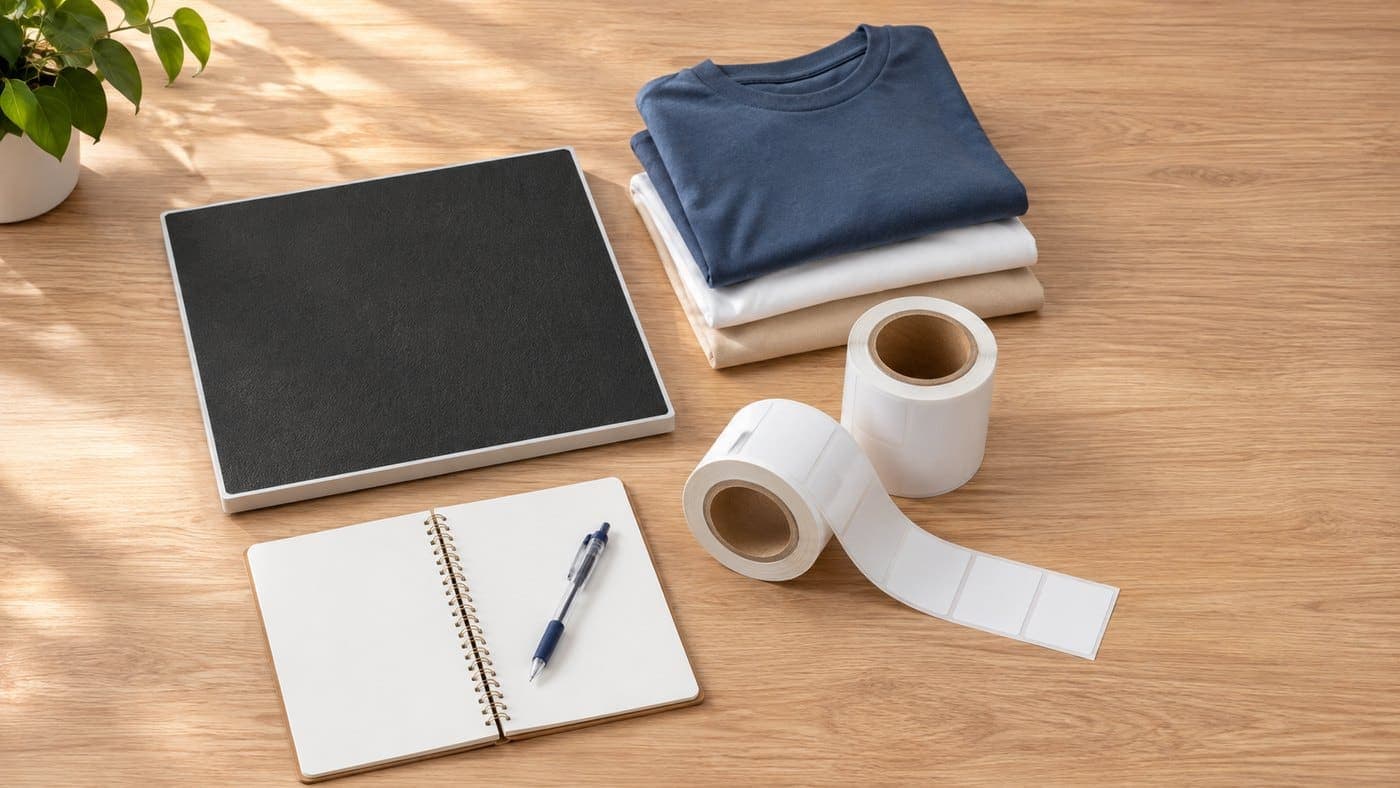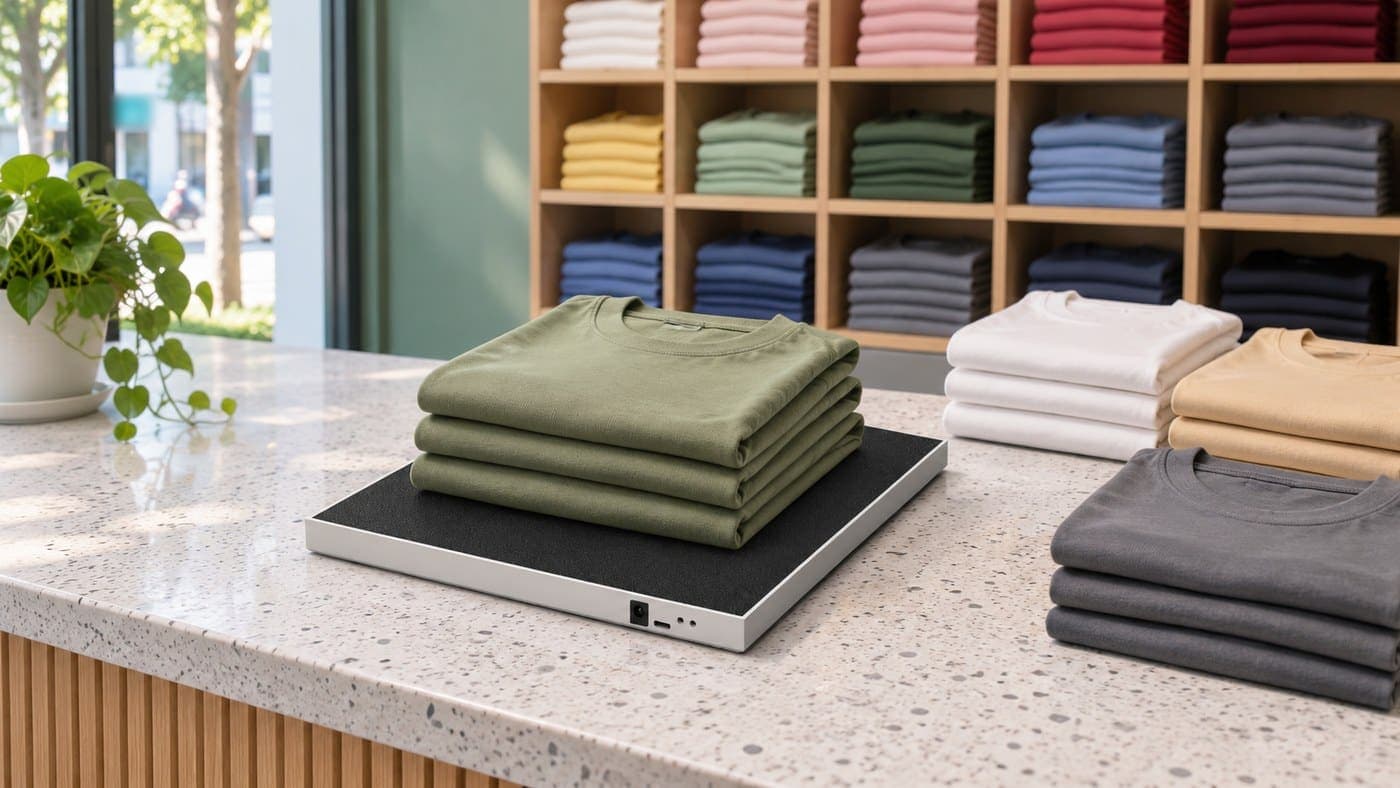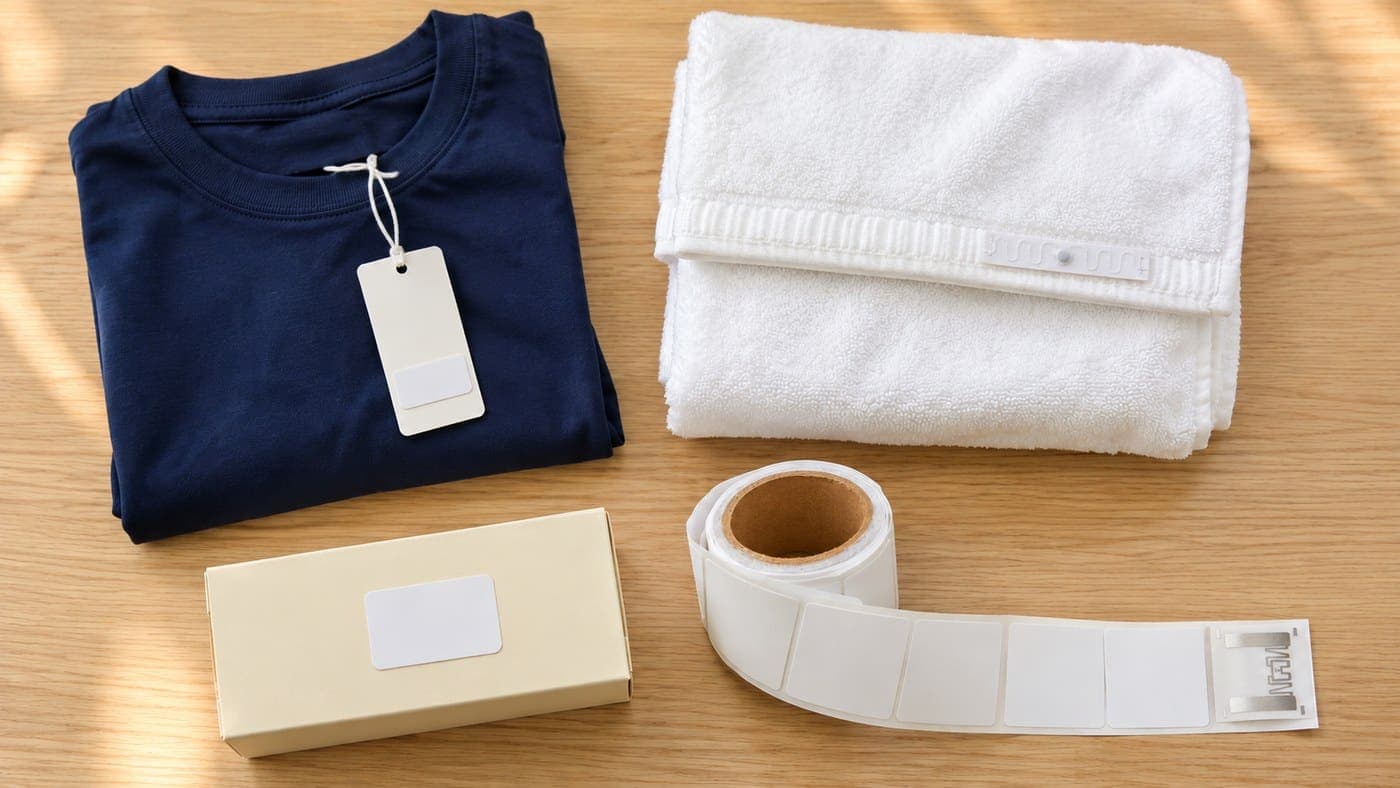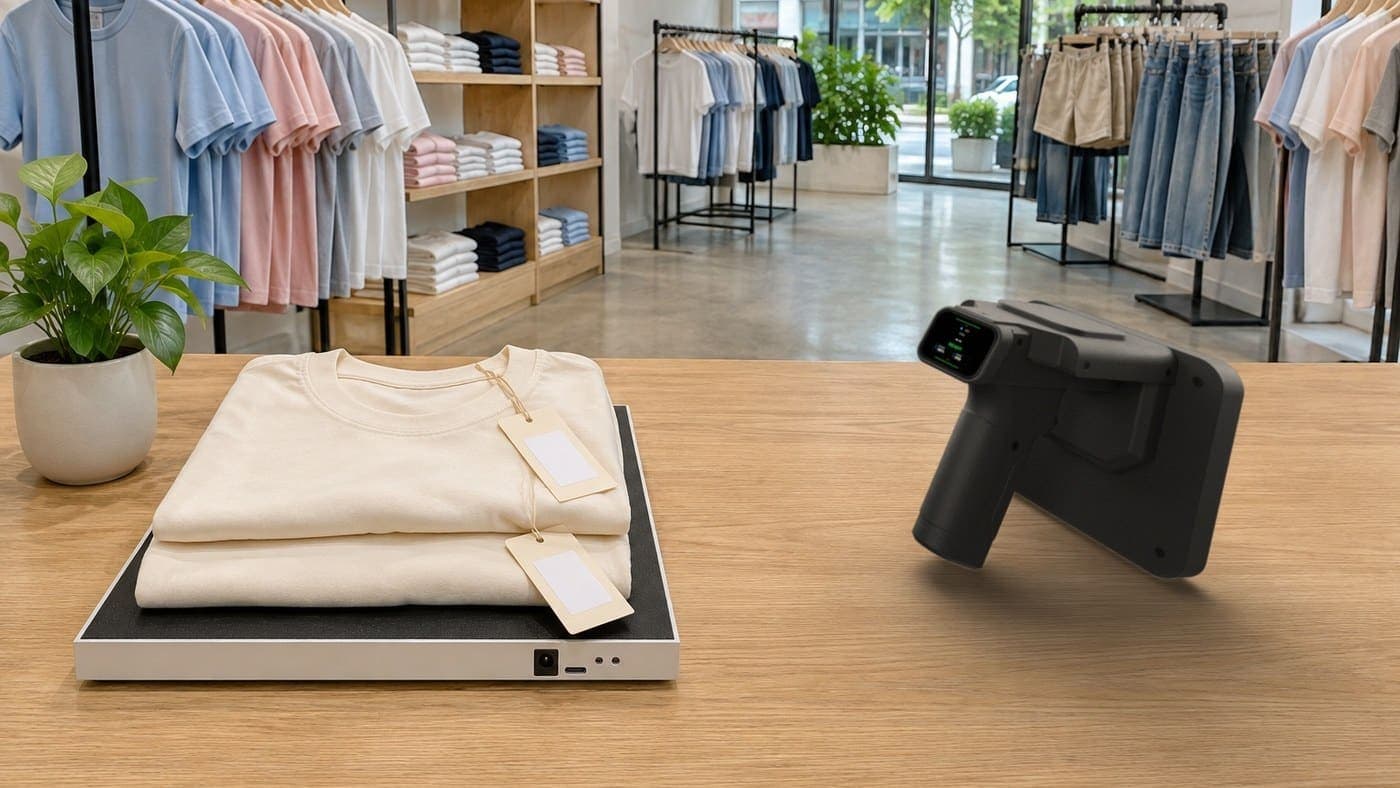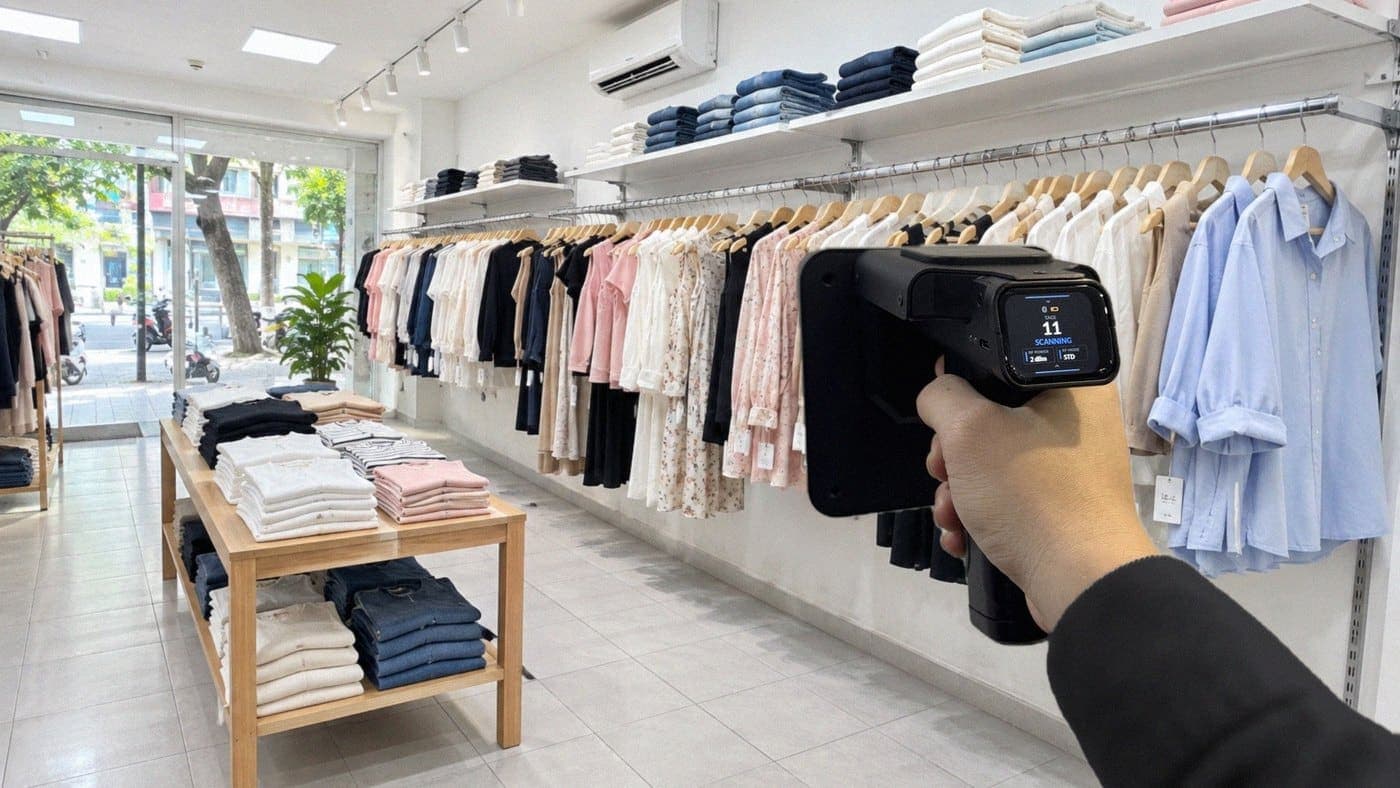
In a retail store, a smart stock count with RFID means walking the shelves once with a scanner and letting the software compare the result and show what is missing or extra, instead of counting each item by hand. To do that, a store needs four things: a tag on each product, a reader to link tags to products, a handheld scanner and stock counting software. The Nextwaves Retail Starter Kit includes all four, starting from $999 (excluding VAT).
What Is a Smart Stock Count? compares barcodes, RFID, cameras and robots. This post is for store owners who already want to stop counting by hand and need the practical side: what to buy, how it works, what it costs and when to wait.
30-second summary
- Counting about 3,000 products by hand usually takes most of a day with 2 to 3 people. At a fashion customer's stockroom, one person scanned 3,000 tagged products in about 15 minutes.
- The Retail Starter Kit includes a handheld scanner, a desktop reader, 2,500 RFID tags and Sense Inventory software, free with the kit.
- The hardest part is tagging and linking every product the first time. After that, new stock is tagged as it arrives.
- Selling and invoicing stay in the software the store already uses.
- A store with little stock and few changes may be fine with barcodes.
Why is it hard for retail stores to count regularly?
One style can come in several colours and sizes, and each variant is its own stock line. The goods do not stand still either: some are on the shop floor, some in the back room, some in the fitting room or at the counter. A hand count means checking each item, writing the number and adding it up, so it is easy to mix up sizes, count twice or miss something.
Because it takes so much work, many stores count only a few times a year. Differences build up in between. Staff only find out when a customer asks for an item the software says is in stock and nobody can find it.

The table below compares the work before and after the kit. The by-hand column is a Nextwaves estimate, and real figures vary by store.
| Task | By hand | With the kit |
|---|---|---|
| Count 3,000 products | Most of a day | About 15 minutes |
| People needed | 2 to 3 | 1 |
| Find a specific item | Search shelf by shelf | Follow the scanner's beep |
| How often you count | A few times a year | Weekly is possible |
The 15-minute figure was measured at a fashion customer's stockroom, with about 3,000 tagged products. Real speed depends on the goods and how they are stored, and this is scan time only. It does not include sorting out differences.
If your store looks like the "By hand" column, the next section covers what it takes to move to the right-hand column. You can also look at the stock counting kit for retail stores first.
What does a store need for smart stock counts?
Unlike barcodes, which are scanned one at a time, an RFID scanner reads many tags in one pass and does not need to see them. To count this way, a store needs four things. The Retail Starter Kit includes all four, so you do not have to choose and match each piece yourself.
| What you need | What it does | In the kit |
|---|---|---|
| RFID tags | Go on each product, each with its own code | 2,500 tags, 45 × 20 mm or 54 × 34 mm |
| Desktop reader | Links tags to the right product, colour and size at goods-in | 1 reader, plugs into a computer by USB |
| Handheld scanner | Walks the shelves to count stock and find items | 1 scanner, connects by Bluetooth |
| Stock counting software | Shows stock, compares scan results, flags differences | Sense Inventory, free with the kit |

The handheld scanner and desktop reader are made by Nextwaves. Specifications and more detail are on the Retail Starter Kit page.
From receiving the kit to your first count
The first time takes five steps, and the store needs a computer, a phone and a product list ready. Nextwaves helps with setup and trains staff at handover, with guides and video tutorials.
- Connect the devices. Plug the reader into the computer and connect the handheld scanner to the phone.
- Import your product list. Load the products into the software from an Excel file.
- Tag the products. Put one tag on each product you want to count, in the same spot for the same kind of item.
- Link tags to product, colour and size. Use the desktop reader to link each tag, then receive your existing goods into stock as opening stock.
- Run the first scan. Walk the shelves with the scanner to read the tagged products.

Steps 3 and 4 take the most work, because they cover all your existing stock. The time depends on how many items you have and how many people help. You do not need to finish in one day: tag one product group, count it, then move on to the next. After that, new stock is tagged as it arrives.
What do later counts look like?
Once products have tags, a count comes down to four jobs:
- Finish open documents. Unfinished receipts, issues and transfers make the result show differences even when nothing is lost.
- Open a count session. Choose the whole location, a few items or a category, for example T-shirts this week and jeans next week.
- Scan along a fixed route. Walk left to right, top to bottom, shelf by shelf. A tag read many times still counts as one item.
- Review the differences. The software compares the scan with stock on record and shows what is missing or extra.

An item marked missing is not necessarily lost. Check the fitting room and the counter, or rescan from another angle. To find one specific item, use the handheld and follow its beep. Stock only changes when you choose to adjust it, so check first and finalise afterwards.
The scanner only reads tagged goods, so anything without a tag has to be counted separately. Each step in the software is covered in the guide to counting stock with RFID.
What does the kit cost, and is it worth it?
The Retail Starter Kit starts from $999 (excluding VAT) and includes 2,500 tags and Sense Inventory software.
The easiest extra cost to work out is tags. Each product needs one, so the 2,500 tags in the kit cover 2,500 products. For more goods, or as new stock arrives, you order more tags by the roll of 2,500.
To see whether it is worth it, work out what hand counts cost today: people × hours per count × counts per year. For example, 3 people, 8 hours each time, once a month comes to 288 working hours a year. This is an example to adapt, not a figure measured at a customer.
On the cost side, add the kit, any extra tags and the labour for the first round of tagging. A store with 3,000 products is 500 tags short, so it needs one extra roll, which leaves 2,000 tags for new stock. Harder-to-measure gains, such as finding items faster and spotting differences sooner, are not part of this comparison.
When should you hold off on the kit?
The kit does not suit every store. Think again if:
- You have little stock and few changes. If a hand count or barcode scan is still quick and stock rarely drifts, you do not need RFID yet.
- Your goods are low priced. Each item takes one tag, so compare the tag cost with the profit on that item.
- Most goods are metal or liquid. Both can make tags harder to read, especially when the tag sits close to them. Ask about the right tag and placement first.
- You are looking for sales software. Sense Inventory handles stock and counts. Sales, invoices and customers stay in your sales software.
- You have several stockrooms or storage areas. If you need several scanners at once, one kit may not be enough. Tell Nextwaves your size so it can advise you.
Getting started with the Retail Starter Kit
If each count takes a lot of work, or your stock figures often drift, the next step is the Retail Starter Kit page: what is in the box, how setup works and common questions. The price includes:
- Help with setup.
- Staff training at handover, with guides and video tutorials.
- Support after handover.
- A 12-month device warranty.
Not sure the kit suits your store? Leave your details below and Nextwaves will get back to you with an estimate of tags and cost for your size.
Frequently asked questions
I already use KiotViet, Sapo or Haravan. Do I have to switch?
No. You keep selling and invoicing as before. Sense Inventory handles stock and counts, and integrates with KiotViet, Sapo and Haravan to sync stock. How the sync works differs by platform, so ask Nextwaves before you buy.
How long does a count take with the kit?
At a fashion customer's stockroom, counting 3,000 products took about 15 minutes. You walk the shelves with the scanner instead of taking each item out. Real times depend on the goods and how they are stored.
I am not technical. Can I use it myself?
Yes. The kit comes pre-configured, and Nextwaves helps with setup and guides you at handover, with documents and videos. Your part is importing the product list, tagging, linking tags and walking the shelves with the scanner.
Are 2,500 tags enough for my store?
Each product needs one tag, so the 2,500 tags in the kit cover 2,500 products. A store with 3,000 products needs 500 more, which means one extra roll of 2,500. The rest are for new stock.
Does it work for stores that do not sell clothes?
Yes, if the goods can take a tag. Metal and liquid can make tags harder to read, so settle the tag type and placement before buying. Nextwaves will advise based on your goods.
What does the included software cover?
Sense Inventory is stock counting software, free with the kit, with the essential stock features: linking tags to products, receiving and issuing stock, counting and finding items with RFID, and viewing stock on computer and phone. Sales, invoices and customers stay in the sales software you already use.
What if I need new features later?
Sense Inventory is one version shared by all customers. New features, if added, reach everyone at the same time, so Nextwaves does not promise dates for individual requests. Before buying, tell Nextwaves how your store manages stock so you can check that the current software covers it.
References
Prices as listed on nextwaves.com on 2/11/2026.
- Nextwaves, Retail Starter Kit: kit contents, price and the 15-minute figure.
- Nextwaves, Sense Inventory docs: Stock count and reconciliation.
- Nextwaves docs: Retail Starter Kit.