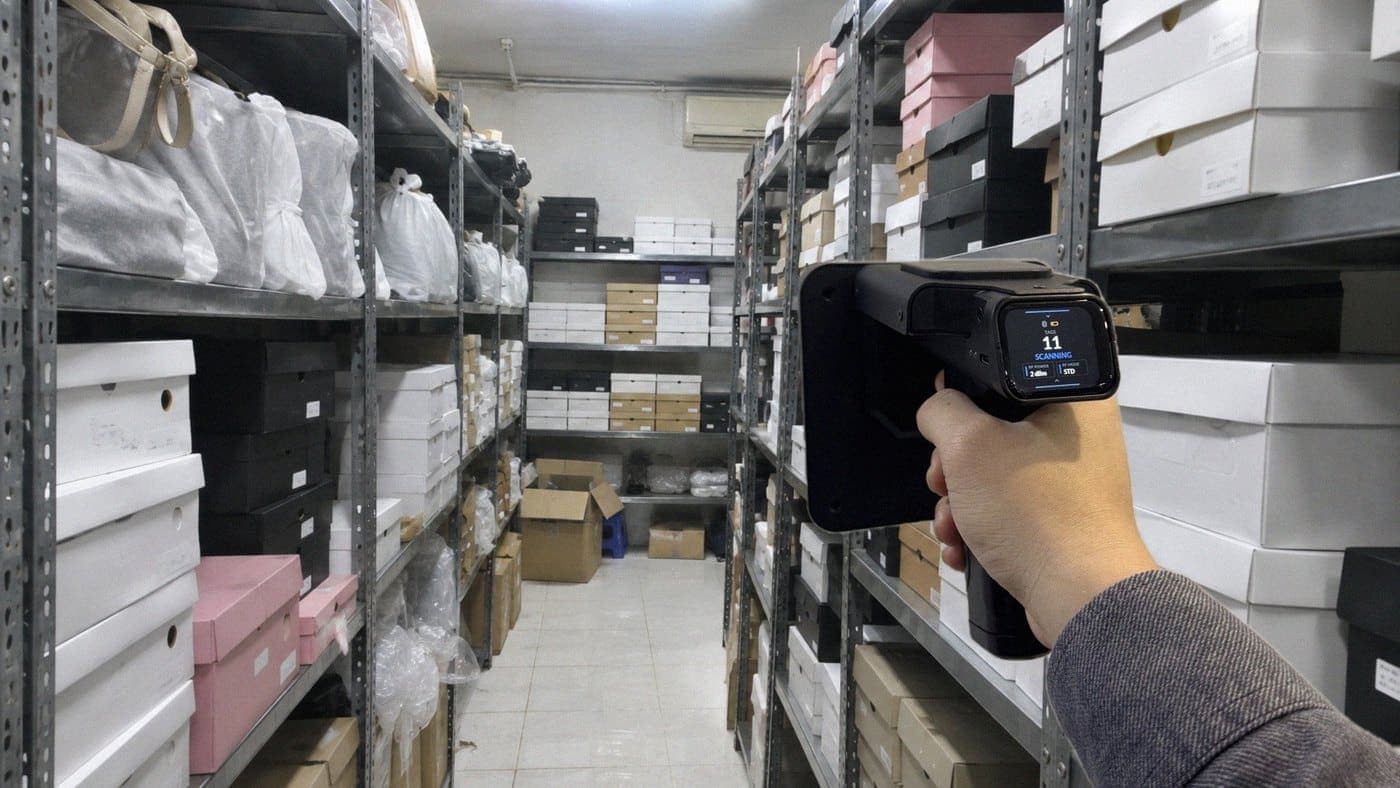
A smart stock count uses devices and software to record what is physically in stock, compare it automatically with the stock on record, and show the differences that need attention. Nobody has to write numbers on paper, retype them into Excel and check them line by line. The term has no standard definition, so it gets used for very different things, from a phone scanning barcodes to drones flying through a warehouse.
This article compares the four common groups of smart stock counting, shows where they can be combined, and helps you work out when barcodes are enough and when RFID is worth the investment. If you are new to RFID, start with What is RFID?
30-second summary
- A smart stock counting solution has three parts: a device that records stock, software that compares it with stock on record, and a list of differences to resolve.
- The four common groups are barcodes or QR codes; RFID; cameras and AI; and robots or drones. Robots and drones are carriers: they can hold a barcode reader, an RFID reader or a camera.
- With few SKUs, little stock and infrequent counts, barcodes are usually enough. With many sizes and colours, bagged goods, and counts that tie up several people, consider RFID, because the reader picks up many tags in one pass without seeing them.
- RFID does not make your stock numbers correct by itself. The reader cannot see items without tags, a wrongly assigned tag still gives a wrong number, and differences still need someone to check them.
How is a smart stock count different from a manual count?
Some shops write counts on paper and some warehouses type straight into Excel. Either way, if staff still read labels and count each item by eye, they can still miss items, misread a size or add up wrongly. The more SKUs you hold, the longer this takes.

Whatever the technology, a smart stock count usually has three parts: a device that records stock instead of a person reading labels, software that compares it straight away with stock on record, and a list of differences for staff to check. Software alone is not enough if staff still count by hand and type the numbers in. A scanner alone is not enough if you then export a file and compare it in Excel.
Smart stock counting, smart warehouses and stock counting devices: what is the difference?
These terms are often mixed up, but they refer to different things:
| Term | What it covers | How it relates to counting |
|---|---|---|
| Smart warehouse | The whole warehouse: receiving, storage, picking and dispatch, with software and automation | Counting is only one part |
| Warehouse management software | Stock data, goods receipts and goods issues | Holds the stock numbers, but you still need a way to record what is physically there |
| Smart stock counting device | A device that reads barcodes, QR codes or RFID tags | The reading part; it needs software to compare results |
| Automated stock counting | Robots, drones or fixed readers that record stock on their own | One form of smart counting, with little need for someone to hold a device |
So you do not need a smart warehouse to count stock in a smart way. A scanner and software that can compare against stock on record already cover the essentials.
What are the ways to run a smart stock count?
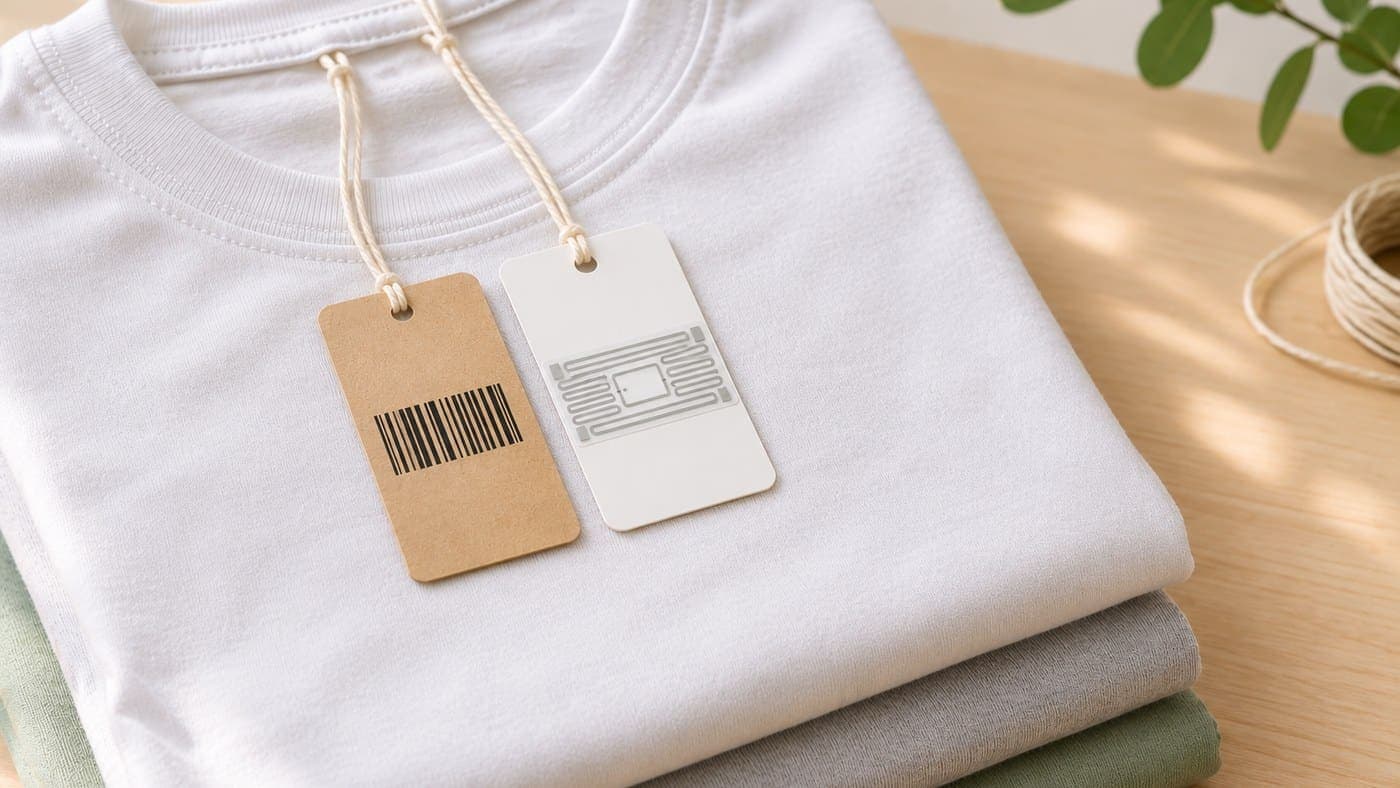
The four groups below are not mutually exclusive. Barcodes and RFID identify goods, cameras look at them, and robots and drones carry those devices around the warehouse. Many businesses combine them, for example barcodes at the till and RFID in the stockroom.
1. Barcodes or QR codes with a phone or scanner
Staff scan the code on each item, and the software adds up the count and compares it with stock on record. If your goods already have barcode labels, this is the easiest place to start.
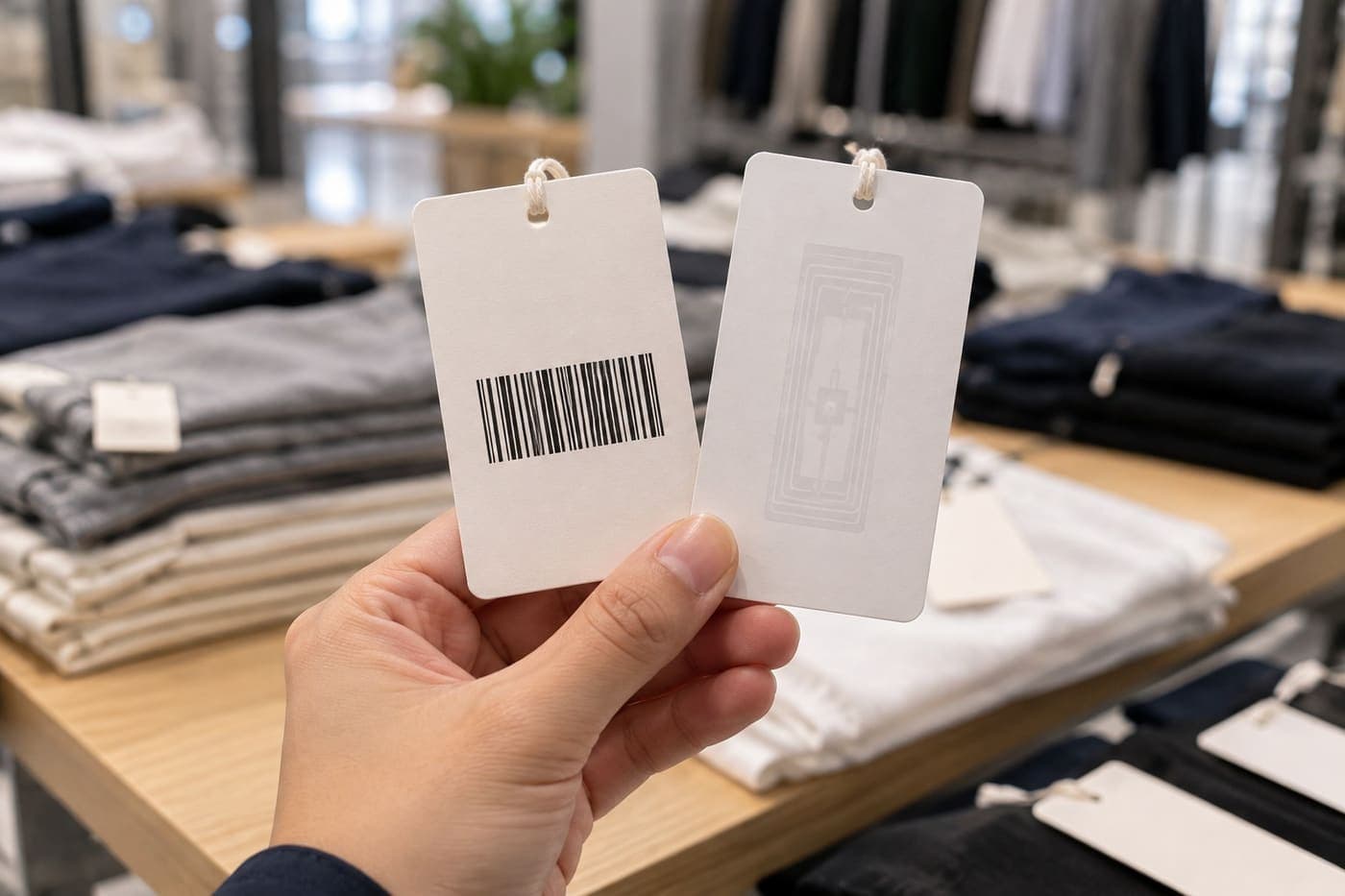
The limit is that each code has to be brought into the scanner's view. If a label is covered, faces inward or garments hang too tightly, staff may have to pull items out to scan them. With ordinary retail barcodes, all items of the same style, size and colour share one code, so scanning an item twice can inflate the result. Some 2D codes such as GS1 DataMatrix can carry a serial number for each item, but the code must still be in the scanner's line of sight. RFID vs barcode compares the two technologies in more depth.
2. RFID
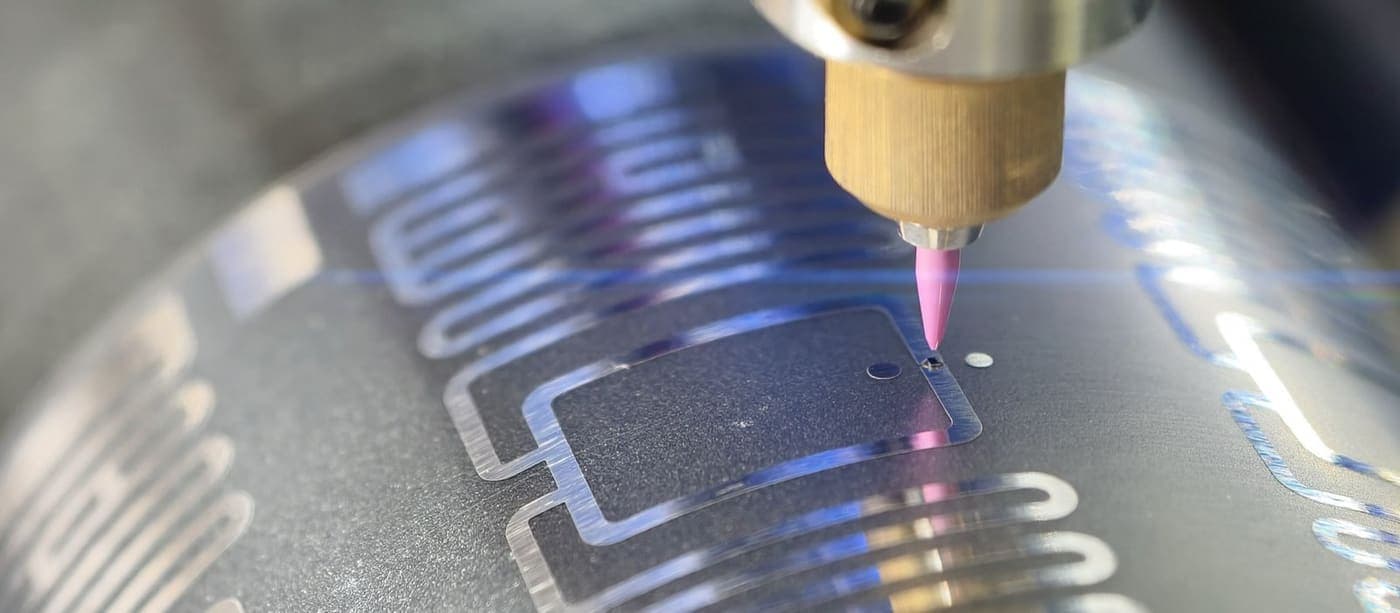
Each item carries a tag with its own EPC code. Staff sweep a handheld reader along rails or shelves, and it reads many tags in one pass without needing to see them. The software counts by EPC, so a tag read many times is still one item.
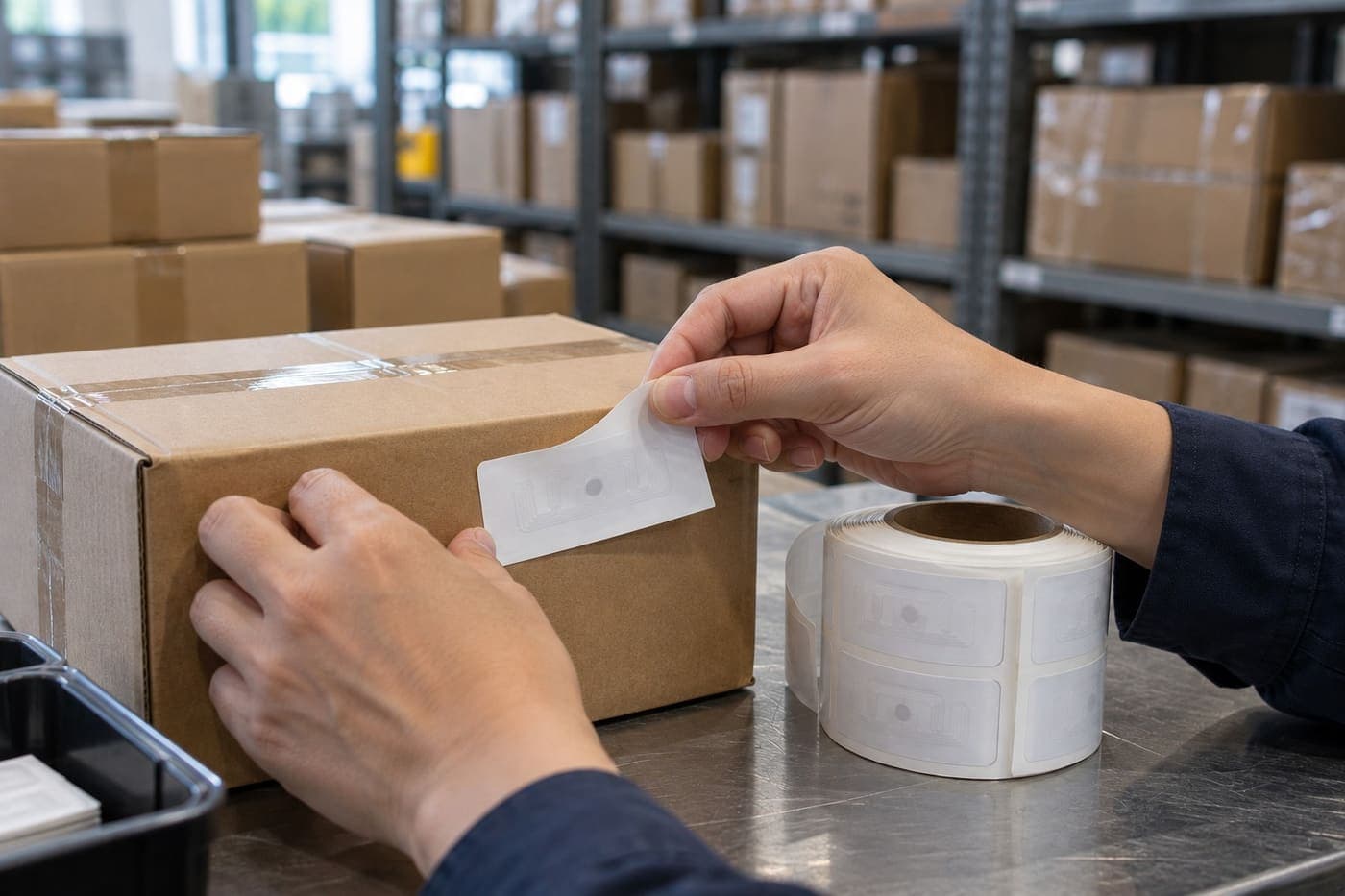
In return, you need a tag on every item, an RFID reader and software that supports RFID. New stock needs tags too, so tags are a cost that follows item volume, not a one-off purchase.
3. Cameras and AI
Cameras capture shelves, cartons or pallets, and software recognises and counts what it can clearly see. Results depend on image quality, packaging, labels and how goods are stacked. For hidden items, goods inside cartons or a size printed on a label inside a bag, you cannot assume the system will identify each piece correctly. This makes it better suited to counting cartons and packs, or checking whether a display shelf is stocked, than to counting each piece by size and colour.
4. Robots and drones
Robots or drones move through the warehouse on their own, carrying a reader or camera. A well-known example is IKEA: according to Ingka Group, the largest IKEA retailer, 100 drones were counting stock at 16 locations in Europe by March 2023. They fly during non-operational hours, and co-workers no longer need to confirm each pallet manually.
This suits large warehouses with high racking, where sending people up to every level takes a lot of effort. In that example the unit being checked is the pallet, not each shirt in its bag. It needs enough scale and suitable floor space, so it is rarely the first step for a small shop or warehouse.
The four groups compared
| Group | How it reads stock | Identifies each piece? | What you need |
|---|---|---|---|
| Barcode, QR | One code at a time, code must be visible | Usually only the SKU, unless the code carries a serial | Phone or scanner, barcode labels (many shops already have these) |
| RFID | Many tags in one pass, no need to see them | Yes, each tag has its own EPC | A tag per item, an RFID reader, software that supports RFID |
| Cameras and AI | Recognises what is visible | Usually not | Cameras, recognition software |
| Robots, drones | Depends on the device carried | Depends on the device and the labels on the goods | Equipment and a rollout specific to each warehouse |
Why does RFID make stock counts faster?
In a warehouse full of similar items in different sizes and colours, RFID has the advantage of reading many tags in one pass while still recognising each EPC code. Whether it is worth the investment depends on stock volume, how often you count and the cost of tagging.
Sweep a whole shelf without pulling items out
RFID reads by radio, so tags do not need to be visible. With bagged, tightly hung or stacked goods, the reader can pick up most tags as it passes, provided they are within range and not blocked by metal. Nextwaves gives a reference figure of about 3,000 tagged items scanned by one person in 15 minutes. For a manual count, Nextwaves estimates it usually takes close to a full day with 2–3 people. That scanning time does not include checking differences and adjusting stock, and it varies with how goods are arranged.
Every item has its own code
Ordinary shop barcodes identify the SKU. The Nextwaves RFID kit uses a unique EPC for each piece, so the software recognises repeat reads of the same tag and does not count them as extra items.
Results point to the items that need attention
After scanning, the software compares the results with stock on record automatically. Sense Inventory, the Nextwaves stock counting software, sorts results into groups such as Fully scanned, Missing (on record but not yet scanned), Extra (scanned but not on record here) and Unknown tags (tags that do not match a product in stock and need separate checking). Staff can focus on the lines that differ.

For an item reported as missing, staff select the product or EPC in the app and follow the beeps to narrow down where it may be, then check by hand. Barcodes cannot do this, because a code has to be seen to be read.
Fast enough to count more often
Stock numbers drift over time, so one count is not enough. According to Modern Materials Handling (2013), Macy's in the US said store inventory accuracy fell by about 2–3% a month after its annual full count. In a 2011 release, the company said RFID would allow multiple counts a year rather than one, and that testing had maintained average inventory accuracy at 97% or better.
More broadly, the RFID Lab at Auburn University in the US measures inventory accuracy as the share of SKUs whose system quantity matches reality. At the retailers it worked with, this averaged about 60%, rising above 95% in RFID pilots and early deployments. For apparel, it considers about 95% a realistic expectation. These are results from retailers abroad, not a guarantee for every shop.

What does RFID not solve?
RFID speeds up reading the stock. It does not replace the following:
- Untagged goods: the reader cannot see an item without a tag. These items have to be counted another way.
- Wrong starting data: if a tag is assigned to the wrong size or a receipt uses the wrong SKU, the reader reads everything and the stock number is still wrong.
- Metal and liquids: both make tags harder to read. Goods in metal casing or containing water need a suitable tag and a test first.
- Unfinished stock documents: goods in transfer or incomplete documents will show up as differences. Clear these before you count.
- Checking the differences: an item reported as missing may be in a fitting room, in a bag waiting for delivery, or simply not read yet. Tags on the next shelf can also fall inside the read zone. Staff need to rescan and check the documents before adjusting stock.
A reader that picks up nearly every tag does not mean your stock numbers are right. Read rate and stock accuracy are two different things.
Which smart stock counting solution should you choose?
No method suits every warehouse. Choose by the goods you hold and how often you want to count:
| Situation | Choose | Why |
|---|---|---|
| Few SKUs, little stock, visible barcodes, a count every few months | Barcodes | Enough for the job, no tag on each item |
| Clothing, shoes or bags in many sizes and colours, bagged or tightly hung | RFID | Sweep a whole shelf without pulling items out |
| An online-sales warehouse that needs regular counts by product group | RFID, alongside your current sales software | Finds differences earlier, but does not by itself stop orders for out-of-stock items |
| High-value goods where you need to know whether each piece is there | RFID | Each piece has its own code, and a whole tray or cabinet can be read |
| Goods held by carton, pack or pallet, rarely sold singly | Barcodes or RFID tags on cartons and packs | Counting by pack is enough, no tag on each item |
| Very large warehouse with high racking | Consider drones or robots | Fewer people working at height, but a large investment |
| Very cheap goods in very large volumes | Barcodes or counting by carton | The tag cost may not be justified by the value of the item |
How to work out whether RFID is worth it
To compare the total cost of a smart stock counting solution, work out both sides:
- What you spend: equipment, tags for current stock, tags for new stock, labour to attach tags.
- What you save: labour hours per count, multiplied by the number of counts a year.
Take a count that currently needs 3 people for 8 hours. At one count a month, that is 288 labour hours a year. Subtract the time still needed for scanning and checking differences with RFID to get the hours you actually save, then compare that with what you would spend. If you count only twice a year and rarely see differences, barcodes may still be the more sensible choice.
Where do you start with RFID stock counting?
You do not need to tag the whole warehouse in a day. You can start with one group of goods that sell fast, cost more or often show differences. Tag that group, enter the stock, then scan one shelf and count that same shelf by hand to see whether the two results match. Once that works, count by tagged category rather than the whole warehouse, and tag new goods as they arrive.
The steps for scanning, reading results and adjusting stock are in RFID stock counts for fashion retail. The full rollout and its costs are covered in RFID deployment from A to Z.
RFID kits for getting started
The Nextwaves Retail Starter Kit costs $999 (excluding tax) and includes:
- A handheld RFID reader for counting and finding items, connecting to a phone or computer over Bluetooth 5.0.
- A desktop RFID reader for goods in and goods out, connecting to a computer by USB.
- 2,500 RFID tags printed and encoded.
- Sense Inventory stock counting software, the standard warehouse edition with no monthly fee: assign tags, receive and issue stock, count and find items.
For warehouses, the Warehouse Starter Kit starts from $1,490 (excluding tax) and includes 2 handheld readers so two people can count at once, plus 200 location tags for shelves, bins and zones.
Sense Inventory handles the warehouse side and keeps stock in sync with your existing sales software. More than 100 customers have bought RFID from Nextwaves.

Prices are the list prices on nextwaves.com at the time of updating. If each count ties up several people or your stock numbers often drift, leave your details below to talk through the right kit and the tagging cost for your stock.
Smart stock counting FAQ
What does a smart stock counting solution include?
Usually a reader, a code or tag on the goods, and software that compares against stock on record. For barcodes that means a scanner and barcode labels. For RFID it means a reader, RFID tags and software that supports RFID.
Can a phone do a smart stock count?
Yes, with barcodes or QR codes: the phone camera reads the code and the software compares it with stock. For RFID, a phone cannot read the UHF tags used in warehouses by itself. You need an RFID reader connected to the phone over Bluetooth.
Does smart stock counting need AI?
Not necessarily. If goods already have codes or tags, counting is mostly a matter of reading the code and comparing it with stock on record. AI helps when goods have to be recognised from images.
Do small shops need smart stock counting?
You can start very simply. A shop with little stock only needs software and a phone that scans barcodes. RFID is worth considering when you have many sizes and colours, each count takes several people, or stock numbers often drift.
How much does a smart stock counting device cost?
It depends on the technology and the device. When comparing prices, include the whole system: reader, labels or tags, tagging labour, software and training. The Nextwaves Retail Starter Kit costs $999 (excluding tax) and includes two readers, 2,500 tags and software.
Does using RFID mean dropping barcodes?
No. If you use barcodes to sell, keep doing so. RFID is added for warehouse work such as receiving, issuing, counting and finding items.
Can RFID read through cartons?
UHF RFID can usually read tags through cartons and ordinary plastic bags. Results also depend on what is inside, tag position, how densely goods are stacked and scanning distance. With metal or liquids, test with your actual goods.
Can smart stock counting replace the people doing the count?
Not entirely. The device speeds up counting, but people still prepare the stock documents, check differences and decide whether to adjust stock.
References
Sources for the figures and guidance in this article (accessed October 2026).
- B. Hardgrave, J. Cromhout, Key Considerations for RFID Pilots and Deployments, Auburn University RFID Lab, 2014. auburn.edu
- Macy's, Inc., Macy's, Inc. to Accelerate Adoption of RFID Technology, 28 September 2011. macysinc.com
- Modern Materials Handling, RFID the Macy's way, 2013. mmh.com
- Ingka Group, One hundred drones now used across IKEA retail for stock inventory, 15 March 2023. ingka.com
- GS1, GS1 DataMatrix Guideline. gs1.org
- Nextwaves, Sense Inventory documentation: Inventory count. docs.nextwaves.com
- Nextwaves, Sense Inventory documentation: RFID. docs.nextwaves.com