Mention RFID in a gold shop and most owners think of one thing: a faster count at closing time. True, but that's only half of it. During opening hours stock goes in and out of the cases all day: a new batch arrives and has to be received, a customer buys and the piece has to come off stock, something moves to another branch. And when a customer asks about a design, someone has to hunt through the cases. Every time a receipt or a sale goes unrecorded, the software drifts a little further from what's actually in the case.
Let's walk through a selling day, from the moment stock arrives to closing time, and see which jobs RFID takes off your hands and which ones stay exactly as they are.
30-second summary
- Every piece gets an RFID tag with its own code. Two rings of the same design are still two different codes.
- When stock arrives, place the pieces on the counter reader to receive them in one go. When a piece sells, place it on the reader to take it off stock.
- When a customer asks for a design, the handheld beeps you towards the piece.
- Weighing, pricing and invoicing stay in the gold software you already use. And RFID won't watch the tray for you while a customer is looking.
Where does RFID help in a selling day?
Here's the whole day at a glance. The last column is what you keep doing just as you do now.
| When | How RFID helps | Stays as it is |
|---|---|---|
| New stock arrives | Place the tagged pieces on the reader and receive them in one go | Checking weight, purity and purchase papers |
| A customer asks for a design | Check stock on a phone, find the piece with the handheld | Advising, showing, trying on |
| A customer buys | Place the piece on the reader, check the list, take it off stock | Weighing, pricing, payment and the invoice in the gold software |
| Branch transfers | The sender scans, the receiver scans again to compare | Hand-over paperwork |
| Closing time, shift change | Open the case and scan, the software shows what's missing and what's extra | Sorting out differences, putting stock in the safe |
New stock: tag it, receive it in one go
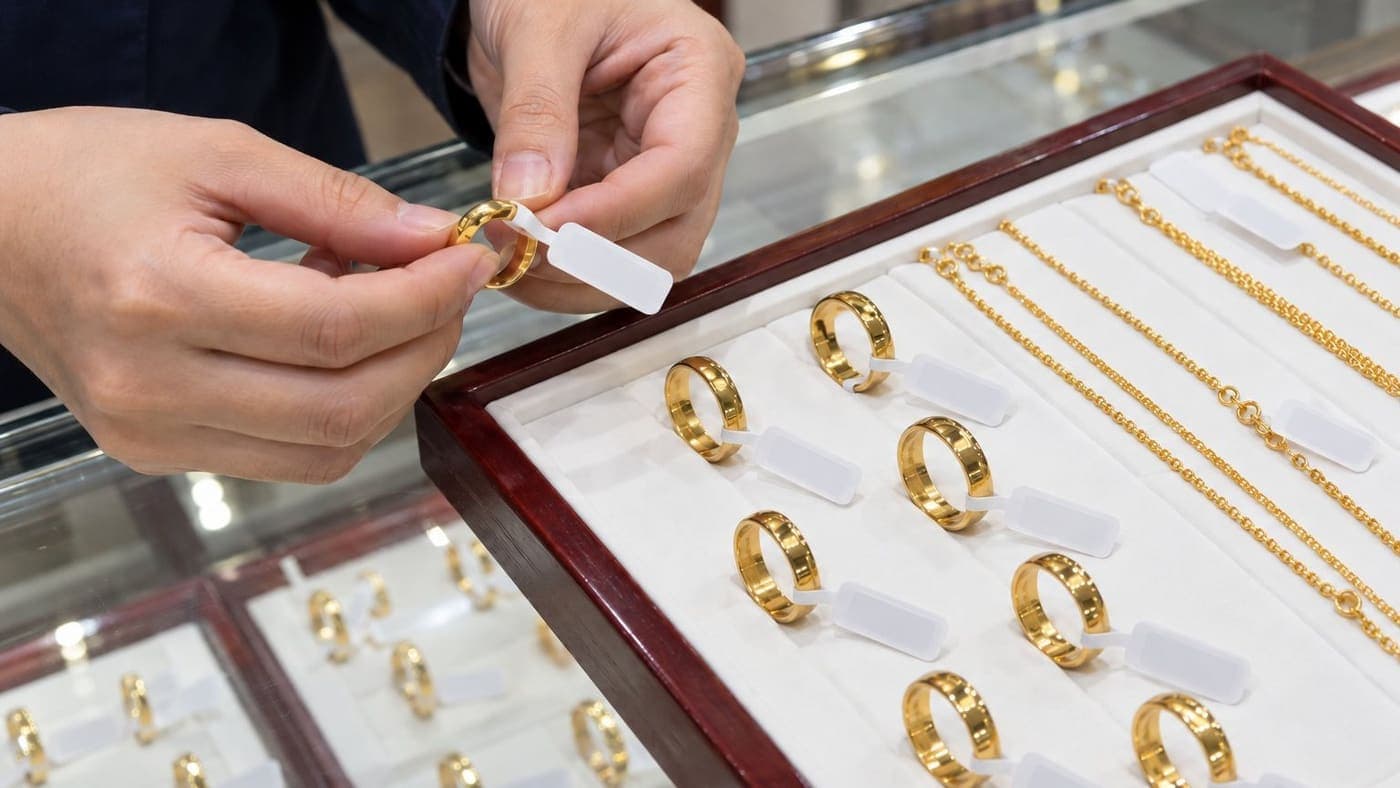
Every piece in the shop gets a jewellery RFID tag (page in Vietnamese), 100 × 17 mm. The antenna sits outside the piece, not against the metal, so it still reads on gold. An RFID reader picks up tags by radio without needing to see them, so it reads many pieces at once.
What matters most for a gold shop is that each tag has its own code, and the software treats each tag as one piece. Two rings of the same design can still differ in weight, so knowing "five of this design left" isn't enough. You need to know which five.

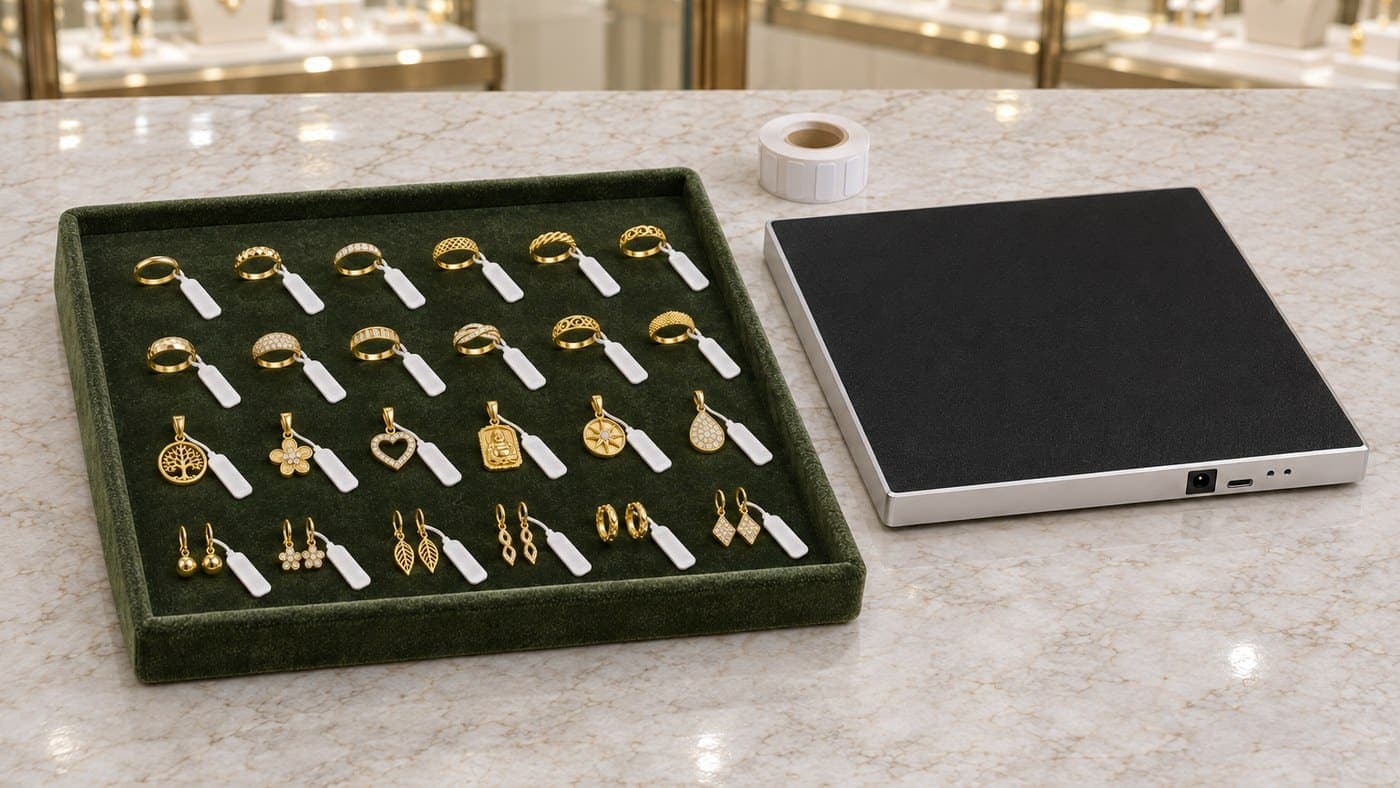
To receive, staff choose the design on the goods receipt and place the pieces of that design on the desktop reader at the counter. The whole batch is read in one go, and each tag becomes one piece in stock. Nobody sits there scanning or writing them down one by one anymore.
The tag face can be printed. If you want to print in the shop, add an RFID tag printer, which prints on the face and writes the code to the chip at the same time. The printer isn't in the kit.
A customer asks for a design: is it in, and where?
A customer rings: "Is that ring I looked at the other day still there?" Or they hold up their phone with a chain they saw online. Instead of doing a lap of the cases, staff open Sense Inventory on a phone or computer to see how many of that design the software has on record.
If the piece isn't on display but tucked in a drawer or a tray underneath, grab the handheld. Pick the piece or design in the app and follow the beep. Each time it reads the tag, the reader turns its power down, so you have to get closer to keep hearing it. Step by step, you home in on the piece.

Advising, showing pieces and letting the customer try them on is still the staff's job. The handheld just saves you rummaging through every drawer.
A customer buys: take the exact piece off stock
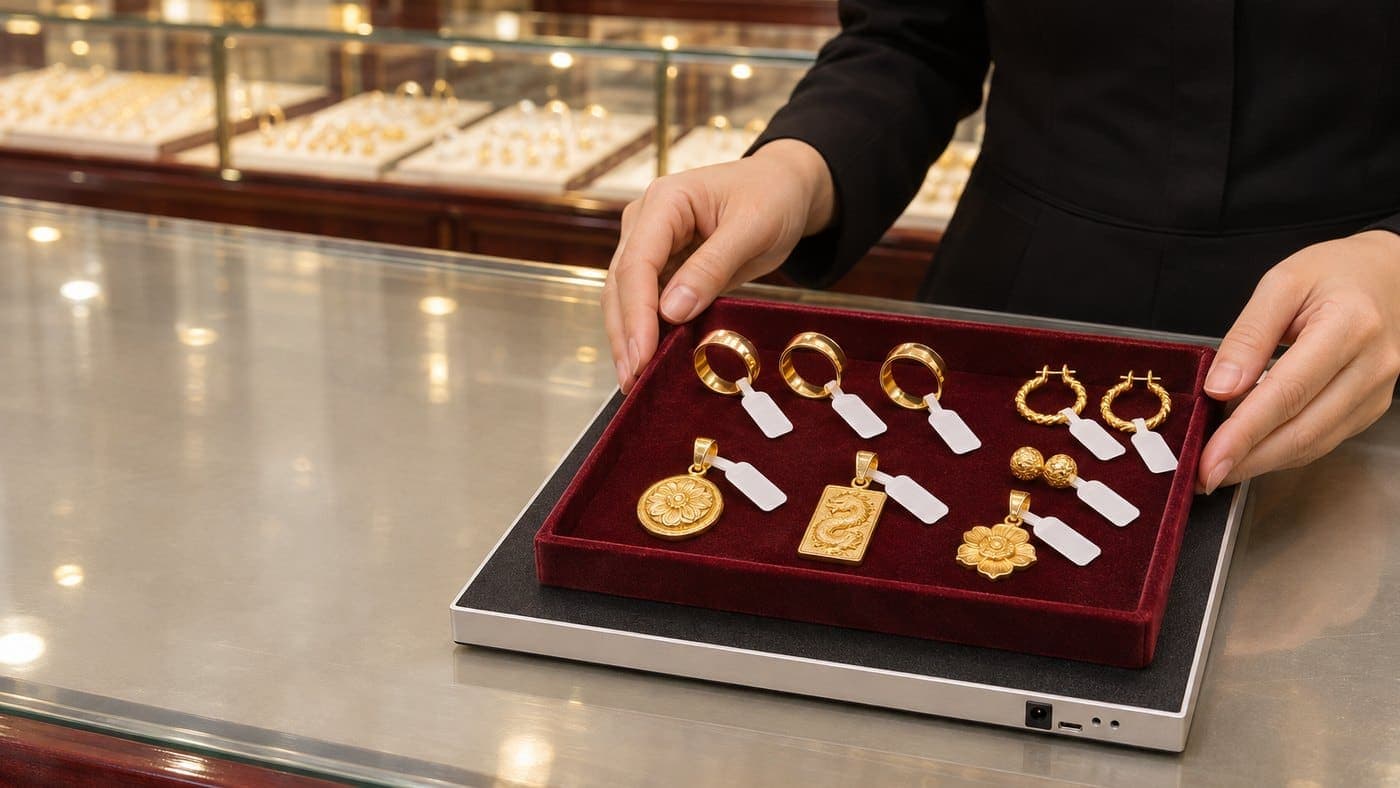
The sale itself doesn't change. Staff weigh the piece, price it at the day's gold price, take payment and issue the invoice in your gold software. RFID adds one small step: place the piece just sold on the desktop reader to record it as goods out in Sense Inventory.
It's worth doing because the reader reads each piece's own code, so it can tell two pieces of the same design apart. One thing to watch: if another tray is sitting right next to the reader, it may pick up those tags too. So before confirming, staff glance at the list on screen and remove any lines that aren't the piece just sold.

What if a sale isn't taken off stock?
During a count, Sense Inventory compares the tags it reads with the stock on record. A piece that was sold but never taken off stock is still counted as there. The count doesn't find it, so it lands under Missing, as if it had been lost. The other way round, a piece taken off stock that's still found in the case shows up under Extra.
When you see either one, don't jump to "we've lost something". That's the moment to pull up the day's goods issues and invoices. Often it's just a sale nobody recorded.
Want the gold software to read the tags itself?
Some shops want to go one step further: put the piece on the reader and the gold software recognises it straight away, no typing codes. One shop has already bought just the Nextwaves desktop reader to use with the gold software it runs. For that, the gold software's developer has to connect the reader through the Nextwaves SDK. The SDK only reads the tag codes. Working out which piece it is and putting it on the invoice is the gold software's job. So before buying, it's worth one question to your software developer.
Branch transfers: scan at both ends
If you run several stores, stock moving between them is routine. The sending store scans the pieces onto a stock transfer. The receiving store scans them again, and Sense Inventory shows straight away how many match, how many are still missing and which aren't on the transfer. While the goods are on the road, they count in neither store's stock.

Pieces sent to the goldsmith for repair or polishing also leave a gap in the case. If a count doesn't find them, check the hand-over papers with the goldsmith before calling them missing. How to record goldsmith pieces in Sense Inventory is something to settle with Nextwaves at setup.
Closing time or shift change: count the whole shop
This is the part of RFID people know best. Open the case and scan inside with the handheld, counting the whole shop or one group at a time, such as rings, chains or earrings. Don't scan from outside the glass, it's easy to miss pieces that way. Nextwaves estimates about 30 minutes for some 3,000 pieces with one person, not counting time spent sorting out differences. How fast it goes depends on how the stock is laid out.

Once the scan is done, Sense Inventory splits the result into three groups: Fully scanned, Missing (on record but not scanned) and Extra (scanned but not on record). If everything was recorded during the day, most pieces will sit in the first group. For anything under Missing, scan again, then check goods issues and hand-over papers before drawing a conclusion. For a closer look at checking stock against the books, see Gold Shops After Decree 390/2026.
What can't RFID do at the counter?
A few things RFID doesn't replace, worth knowing before you buy:
- It doesn't weigh or price. Weight, purity, today's gold price and labour fees stay with the scales and the gold software.
- It doesn't invoice. Payment, invoices and customer details stay in the software you already use.
- It doesn't watch the tray for your staff. While a customer looks at pieces, staff keep an eye on them as they do now. The RFID in the kit is not an anti-theft system.
- It can't fix wrong data. A tag on the wrong piece, or a sale never taken off stock, leaves the count wrong however fast you scan. RFID just makes the gap show up sooner.
- It can't prove where the gold came from. That still rests on invoices and records.
What should you ask before buying?
- Can my gold software connect? Ask its developer whether they can connect the reader through the Nextwaves SDK. The SDK only reads tag codes and doesn't handle the sale. If it isn't connected, staff take each sale off stock in Sense Inventory.
- Who takes sales off stock, and when? Settle it from day one. The closing count is only right if every piece sold has been taken off stock.
- How will the smallest pieces be tagged? For earrings and small pendants, Nextwaves works out the tagging with you at setup.
- Who prints the tags? Printing in the shop needs an RFID tag printer, bought separately.
- How many pieces, how many stores? Tags come in whole rolls of 2,500. Chains with several stores get separate advice from Nextwaves.
The RFID kit for gold shops
The Nextwaves RFID kit for gold shops (page in Vietnamese) costs 29,990,000 VND excluding VAT. In the box:
- 1 desktop RFID reader that plugs into the counter computer by USB.
- 1 handheld RFID reader that connects to a phone over Bluetooth.
- 2,500 jewellery tags (1 roll).
- Sense Inventory Essentials stock software, 0 VND a month.
The price includes setup, staff training at handover and a 12-month device warranty. Whatever gold software you use now, keep using it. No need to switch.
Not sure the kit suits your shop? How would small earrings be tagged, would receiving and goods out fit the way you work? Leave your details below and Nextwaves will get in touch.
Frequently asked questions
Can RFID replace my gold software?
No. Weighing, pricing and invoicing stay in the software you already use. Sense Inventory only handles stock: goods in, goods out, counting and finding pieces with RFID.
Does every sale mean scanning piece by piece?
No need to pass each piece over a scanner like a barcode. Place the pieces just sold on the desktop reader, check the list on screen and save. If your gold software is connected to the reader through the SDK, how it works is up to its developer.
Can the counter reader pick up pieces lying nearby?
It can, if another tray sits right next to it. When taking a sale off stock, move other trays a little further away, check the list on screen and remove any extra lines before confirming.
Gold is metal. Can the tags still be read?
Yes. The jewellery RFID tag is a dedicated type with its antenna outside the piece. To count, place the tray on the desktop reader or open the case and scan inside with the handheld.
Do I need a computer at the counter?
Yes, for the desktop reader: it plugs into the counter computer by USB and works with the Sense Inventory web app in Chrome or Edge. The handheld connects to a phone over Bluetooth.