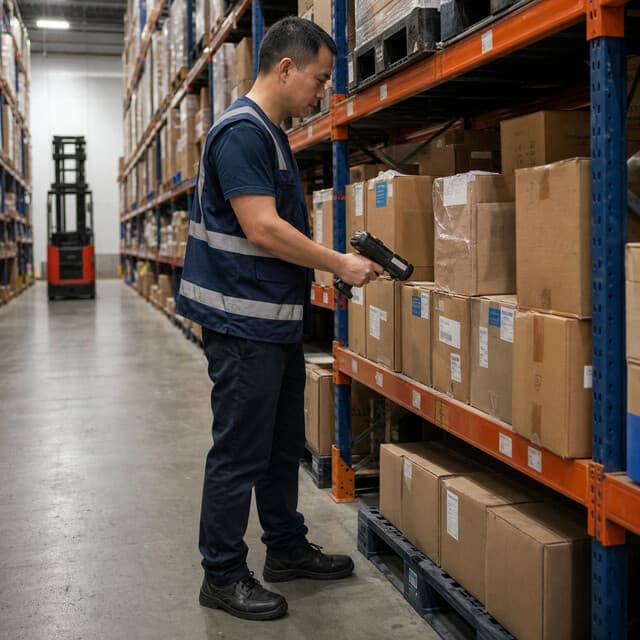
Counting by hand
- Operations stop for 2-3 days every count
- Finding one item means 30+ minutes walking the aisles
- 5-15% errors turn into lost stock and wrong orders
Warehouse starter kit
Everything a warehouse needs to count every item in minutes: one reader, 2,500 tags, two handheld scanners, 200 location tags, and software that just works. All in one box.
A count that used to shut you down for 2-3 days with a whole team now takes one person a single walk-through.
15 minutes
Instead of 2-3 days with 5-8 people
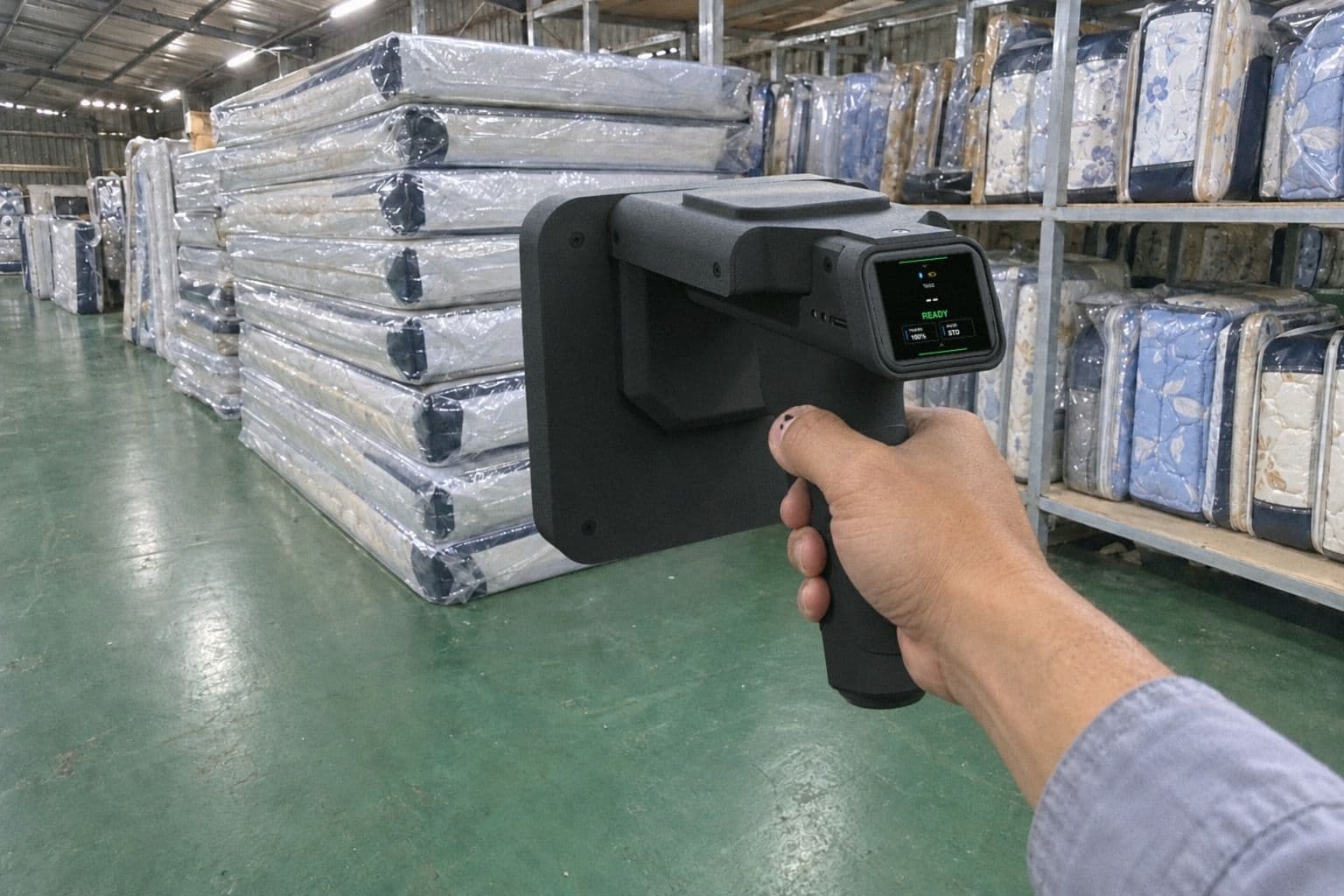
No servers, no hidden fees. Everything works together straight out of the box.
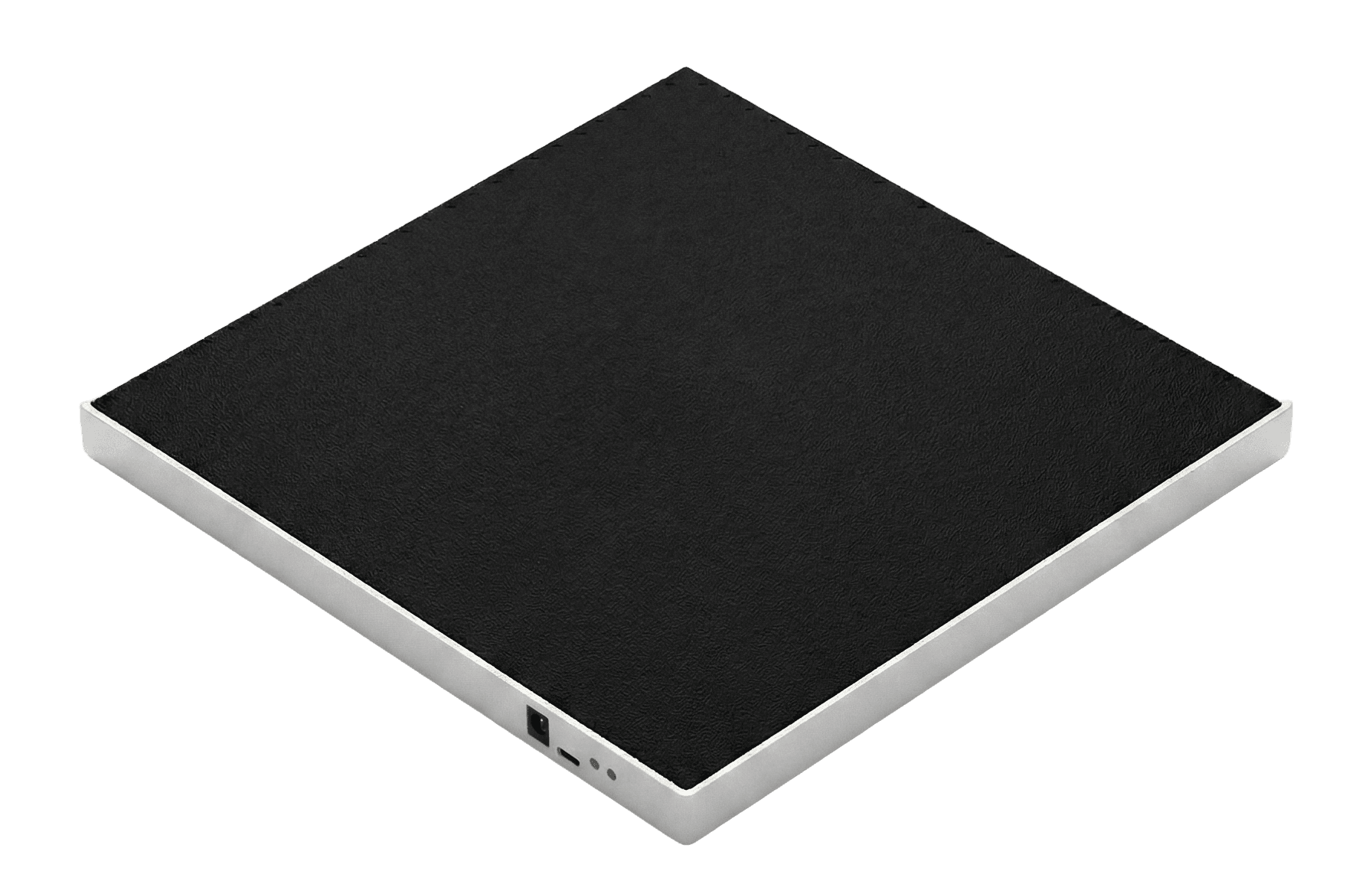
Tag new stock at the receiving desk as it arrives. Reads up to 400 tags a second over USB.
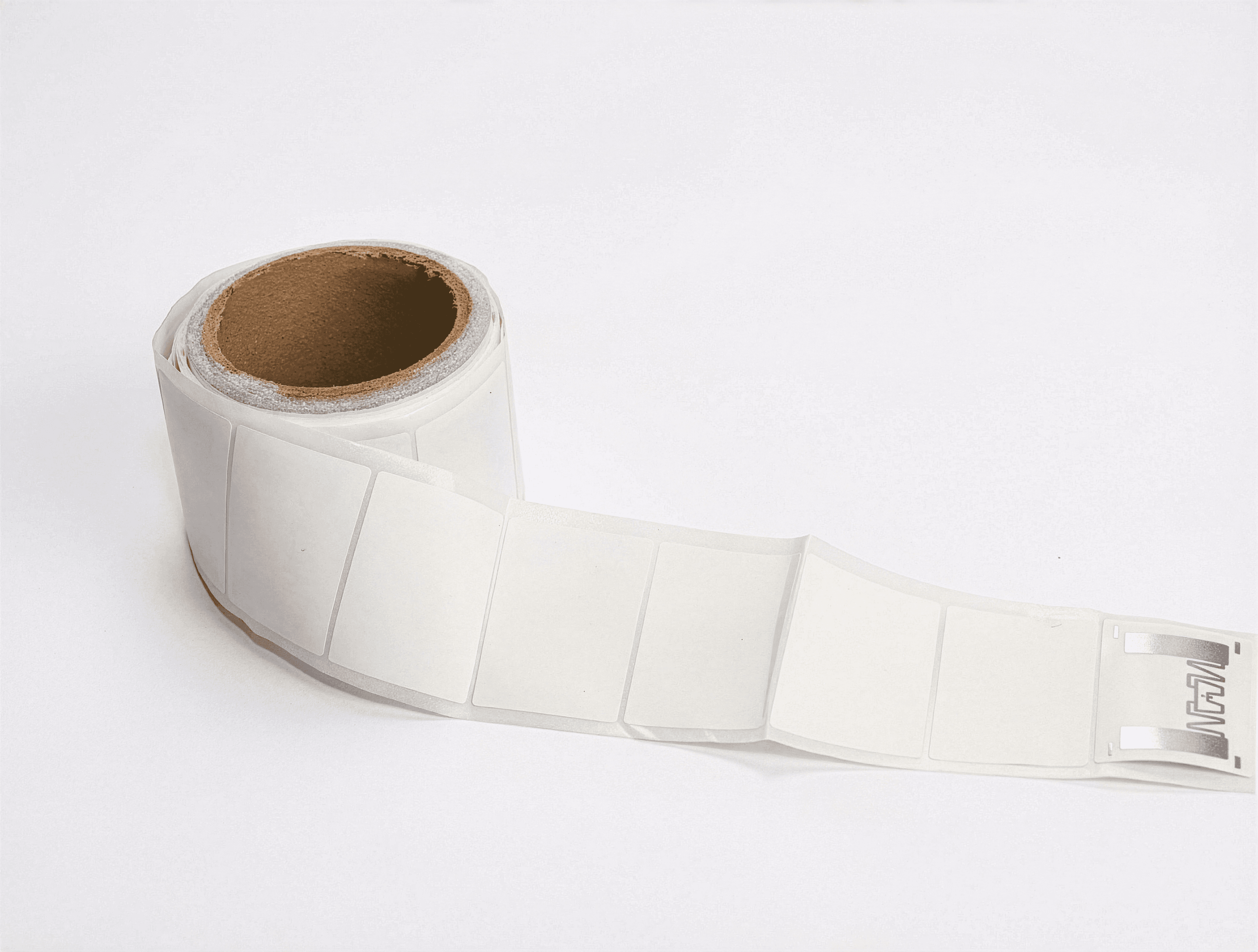
Enough to tag your entire warehouse, with plenty to spare.
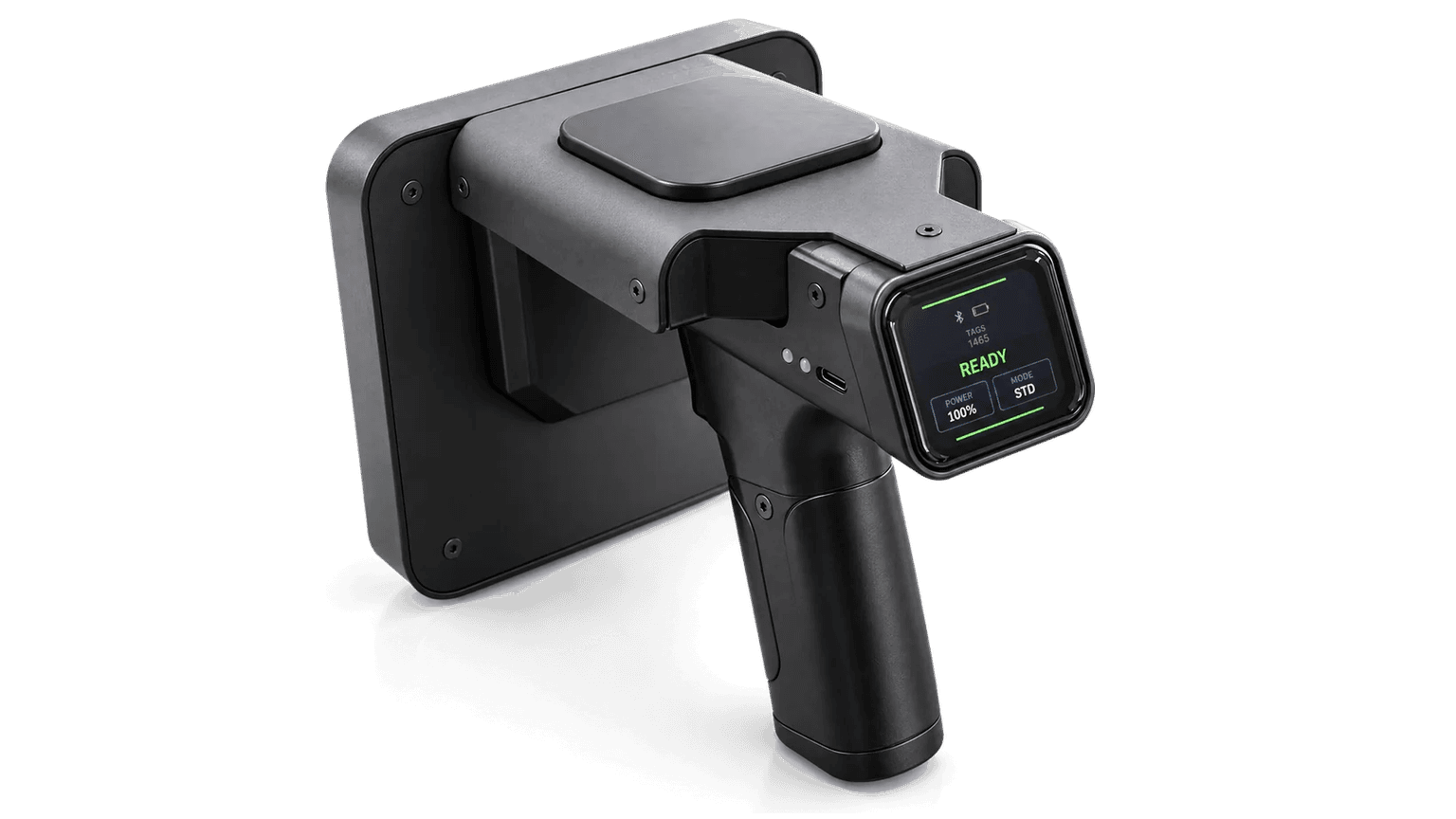
Walk the aisles and they count everything you pass. Beep like radar when you search for an item.
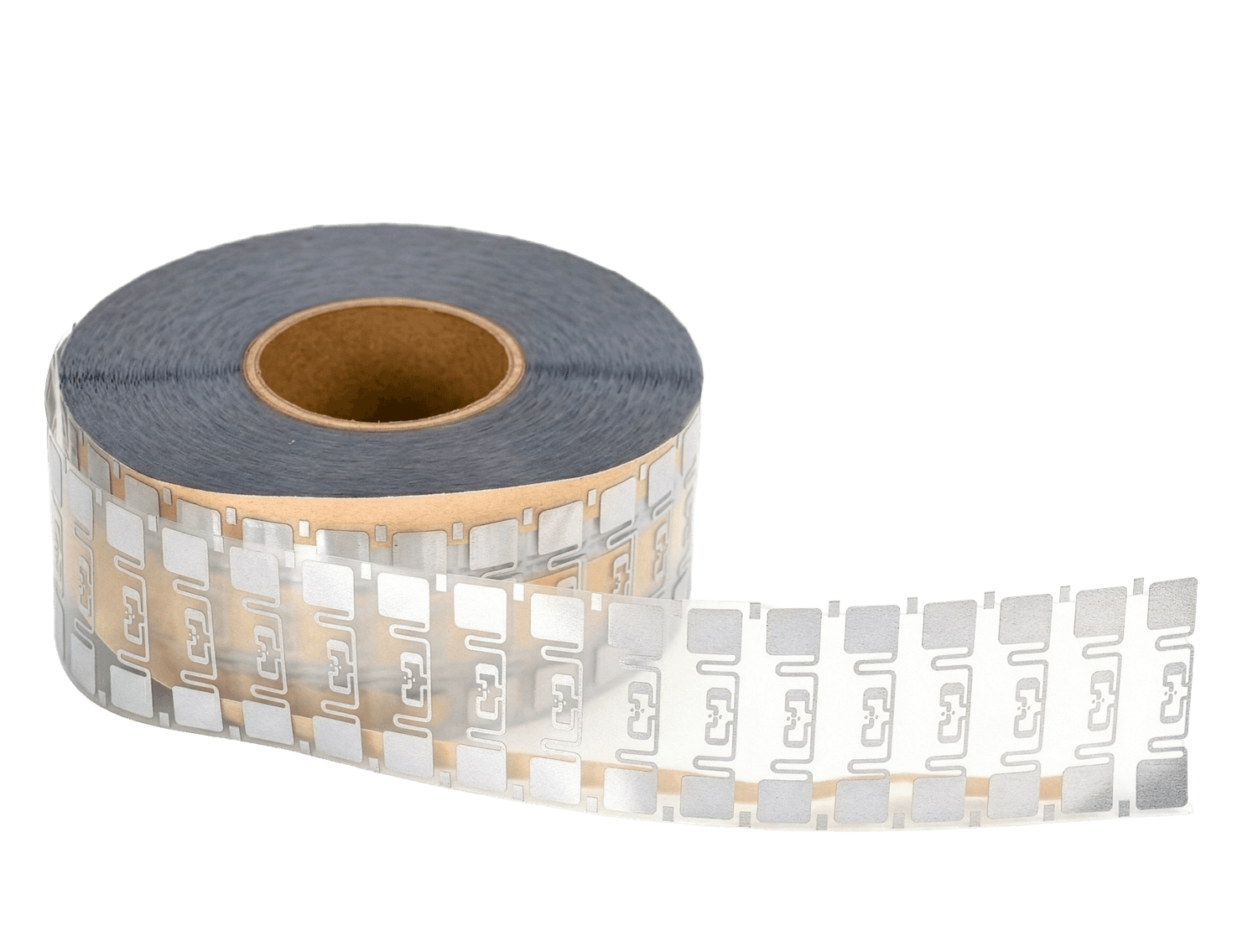
Fixed tags for shelves and zones that build a live map of your warehouse.
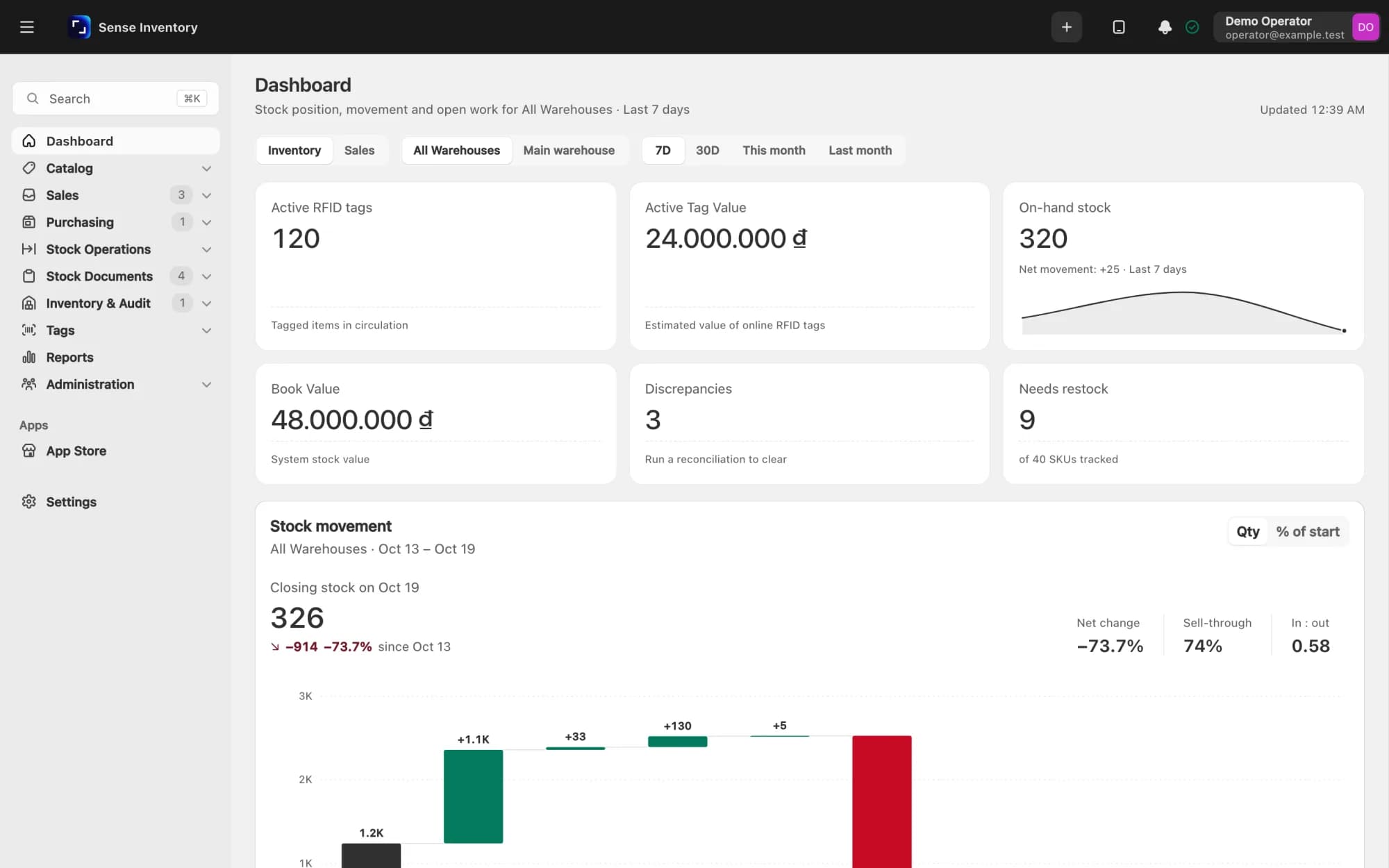
Your stock, live, on any device. Free with the kit.
Starting from $1,490Excludes VAT
Take the surveySee it work
No IT team, no installation project. Plug it in, tag your stock, and count.
USB in, ready in 10 seconds.
Stick a label on each item or carton.
Walk the aisles and watch the count fill in.
No. The operator flow is web-based: open Sense Inventory, choose the Stock In or tag-import screen, connect the reader, and start scanning. The dual near-field reader connects over USB, and the handheld syncs scans back to Sense Inventory, so warehouse staff do not need to write code or configure RF settings.
Use the same flow shown in the video: open Import Tags from RFID Reader, enable auto scan, select the Desktop Dual Near-Field Reader, then choose the product you are receiving. Place the tagged item, carton, or batch on the reader or inside the stock-in reader box. Sense Inventory reads the EPC tags, adds them to the stock-in list, and links each tag to the selected SKU and warehouse. When you confirm, the product stock increases and future handheld scans know exactly what each tag represents.
No. Every UHF tag has a unique EPC number. During Stock In, Sense Inventory reads that EPC from the RFID reader and binds it to one product record. If the same tag appears again on a different product, the system can flag it instead of silently creating duplicate stock.
Use the dual near-field reader for controlled Stock In because it reads the tags placed on the reader, not the whole room. Use the handheld for warehouse search and stocktake; it can pick up tags from up to 6 metres, so you can sweep a shelf or pallet in one pass. Real range depends on tag type, packaging, metal, liquid, and reader power.
Yes. Tags stay reusable until they are physically damaged, and you can reorder any quantity from us with no minimum. The kit uses standard UHF labels and hard tags, so you are never locked to a single supplier or type. For returnable crates and totes, hard tags last for years of repeated scans.
Yes. The handheld stores every read on the device and keeps counting even with no signal, which matters in steel-shelved aisles and cold rooms. When it reconnects to WiFi or sits back in its dock, it syncs to Sense Inventory automatically, so nothing is lost on the floor.
Customers
From hotels and pharmacies to factories and fashion retail, teams run their stock on Nextwaves RFID.
Leave your phone number and the Nextwaves team will call you back with free advice and confirm the kit fits your store.