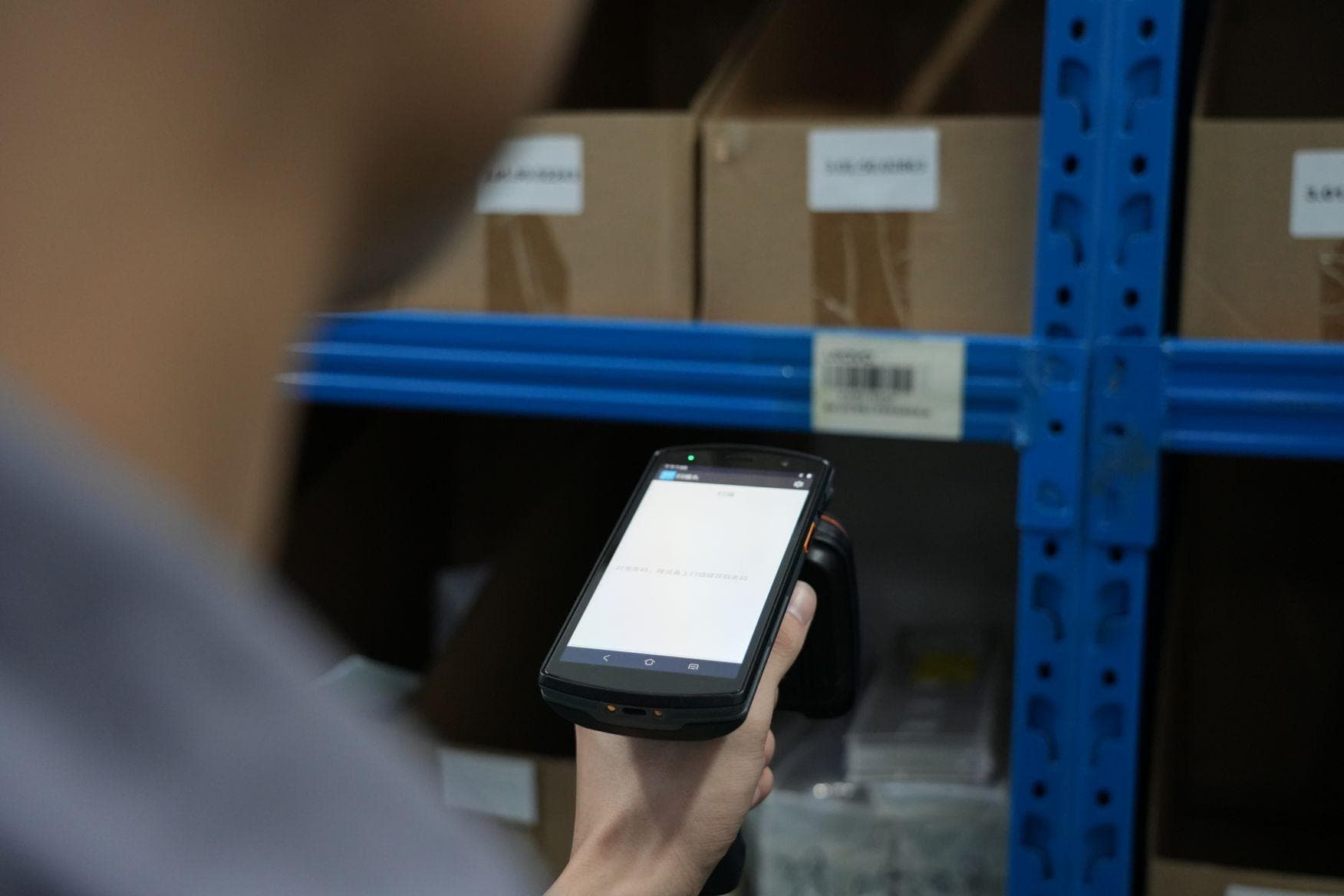
While deciding to integrate UHF RFID into your Odoo ERP can revolutionize your inventory management, navigating the pros, cons, and hardware options from brands like Chainway and Zebra requires strategic planning and caution. To help you succeed, the experts at Nextwaves have crafted this comprehensive how-to guide detailing the ideal workflow to maximize efficiency and avoid common implementation pitfalls.
Introduction to UHF RFID in Modern ERPs
Traditional barcodes require direct line of sight. UHF RFID eliminates this requirement. Radio frequency scanning reads hundreds of tags per second. You process inventory faster and eliminate manual scanning errors. Nextwaves Industries provides UHF RFID antennas and readers to automate your workflows.
Standardizing Inventory with EPC
The Electronic Product Code standardizes inventory tracking. RFID tags store the EPC. Odoo 18.0 and Odoo 19.0 read this EPC data. The ERP matches the EPC to the Internal Reference or Barcode field. You encode tags using an EAN-14 format. You derive this format from standard EAN-13 barcodes. Nextwaves SDKs and Reader Connect tools bridge hardware data directly into Odoo.
Real Time Visibility Across Industries
Real time visibility improves operational efficiency. You track assets across different environments.
- Manufacturing: Track raw materials through assembly lines.
- Logistics: Automate gate check-ins using fixed RFID readers.
- Retail: Perform inventory adjustments using handheld sleds.
- Cold Chain: Monitor perishable goods inside sealed pallets.
Hardware and ERP Integration
Modern ERPs require hardware integrations. You connect RFID readers to Odoo using native applications or Ventor PRO middleware. Zebra devices require specific APK installations for Odoo compatibility. Chainway devices use keyboard emulator applications to pipe RFID data into Odoo fields.
| Hardware Brand | Integration Method | Primary Use Case | Zebra RFD40 | Native Odoo APK or Ventor PRO | Retail inventory adjustments | Chainway C72 | Keyboard Emulator or Direct SDK | Long range warehouse scanning | Nextwaves NRN Readers | Reader Connect Web Tools and APIs | Automated gate check-ins |
|---|
Managing Environmental Interference
Radio frequency scanning introduces environmental challenges. Metals and liquids reflect or absorb UHF waves. You must select on-metal tags for warehouse racks. Multiple readers in proximity cause tag collisions. Nextwaves documentation provides deployment architectures to prevent these collisions. High power settings read tags through walls. You must tune reader power to prevent unintended reads from adjacent rooms.
Native Odoo Integration vs Middleware Solutions
Connecting Nextwaves RFID hardware to an ERP requires a software connection to ensure data flow. You choose between native Odoo applications and third-party middleware. We compare the capabilities of the Odoo Barcode app against Ventor PRO.
Mapping EPC Data
Standard UHF RFID uses the Electronic Product Code format. Odoo matches this EPC directly to the 'Internal Reference' or 'Barcode' field in your product database. You align your EPC format with Odoo expectations. Odoo requires an EAN-14 format derived from your standard EAN-13 barcode.
Native Odoo Integration
Odoo 18.0 and Odoo 19.0 feature built-in RFID support. You install a specialized APK with RFID capabilities directly on your mobile device. Odoo provides a Zebra-enabled APK for native integration. This setup works for standard inventory counting. You scan multiple items simultaneously. The native app lacks tag encoding features.
Ventor PRO Middleware
Ventor PRO serves as a middleware solution. It provides direct integration for warehouse workflows. You manage encoding, inventory adjustments, and warehouse transfers directly from your handheld device.
Ventor PRO enables the following encoding workflow:
- Select: You choose a product in Ventor PRO.
- Position: You place a blank tag in range of the reader.
- Write: You write the EPC to the tag.
Ventor PRO handles bulk-verification during receiving operations. You trigger an RFID scan to verify items against the packing list. You execute warehouse transfers by scanning items in bulk. You perform inventory adjustments by walking through the warehouse with a handheld reader. You use the Geiger counter mode to find missing items.
Feature Comparison
| Feature | Native Odoo Barcode App | Ventor PRO | Installation | Specialized APK | Third-party App | Tag Encoding | No | Yes | Hardware Support | Zebra focus | Broad SDK support |
|---|
Hardware Breakdown: Zebra, Chainway, and Nextwaves
Zebra Hardware Integration
Odoo 18.0 and 19.0 provide native RFID support in the Barcode application. Zebra devices define the gold standard for native Odoo support. You pair Zebra RFD40 sleds with TC21 or TC26 handhelds to operate Odoo efficiently. You install the specific Zebra Odoo APK to activate this native functionality. Zebra hardware delivers reliability for daily warehouse operations.
- RFD40 Sleds process hundreds of tags per second.
- TC21 and TC26 Handhelds run the Odoo mobile application directly.
- Native SDK eliminates the need for external middleware.
Chainway High Power Scanners
Chainway offers competitive pricing and extended reading capabilities. You deploy Chainway C72 handhelds and SR160 Bluetooth scanners for high power reading tasks. These devices use a keyboard emulation application. The keyboard emulator pipes RFID data directly into Odoo fields. You integrate Ventor PRO middleware to enable deep SDK support for Chainway devices.
- C72 Handhelds read tags from extended distances.
- SR160 Scanners connect via Bluetooth to your existing mobile devices.
- Keyboard Emulation enters EPC data into the Odoo Internal Reference field automatically.
Nextwaves Advanced Architecture
Nextwaves Industries builds hardware for complex environments. You install custom Nextwaves antennas to overcome environmental interference from metals and liquids. You connect NRN protocol readers to manage multiple zones simultaneously. Nextwaves provides Reader Connect web tools to bridge hardware directly with Odoo via APIs. You deploy Nextwaves SDKs in C# or Python to build custom multiple reader architectures.
- Custom Antennas direct RF energy away from reflective metal warehouse racks.
- NRN Protocol Readers coordinate signals to prevent tag collisions.
- Reader Connect syncs bulk inventory data with Odoo cloud platforms.
Hardware Specifications Comparison
| Manufacturer | Primary Devices | Odoo Integration Method | Zebra | RFD40 TC21 TC26 | Native Zebra APK | Chainway | C72 SR160 | Keyboard Emulation or Ventor PRO | Nextwaves | NRN Protocol Readers Custom Antennas | Reader Connect Web Tools API |
|---|
Step-by-Step Workflow: Encoding Tags
Formatting Rules for EPC Validation
You must standardize your data structure before writing data to physical tags. Standard UHF RFID requires the Electronic Product Code format. Odoo matches this format to the Internal Reference or Barcode field on the product record. You must convert standard Odoo EAN-13 barcodes into the EAN-14 format for proper encoding.
- Identify the 13-digit EAN-13 barcode assigned to your Odoo product.
- Add a single packaging indicator digit to the beginning of the EAN-13 string.
- Calculate the new check digit for the 14-digit string.
- Write the resulting EAN-14 string to the tag memory.
This mathematical conversion prevents encoding mismatches. A mismatch between the encoded format and the expected Odoo format breaks the scanning process. Nextwaves software solutions automate this conversion during the write process.
Encoding Workflow in Odoo and Ventor
You must follow a strict physical and digital process to write data to blank tags. The Ventor PRO middleware or the native Odoo Barcode application handles this operation. Follow these steps to encode your UHF RFID tags.
- Open the Odoo Barcode application or Ventor PRO interface on your mobile device.
- Search your database and select the correct product record.
- Place one blank tag in the read range of your Nextwaves RFID antenna or handheld sled.
- Remove all other blank or encoded tags from the immediate area.
- Trigger the write command within the application interface.
- Scan the newly encoded tag to verify the Odoo system recognizes the correct item.
Isolating the target tag prevents accidental data writes to adjacent chips. Your choice of hardware dictates your encoding speed and accuracy. Handheld devices like the Zebra RFD40 or Chainway C72 require manual trigger pulls for each tag. Nextwaves fixed readers support automated encoding stations. You place a roll of blank tags near a shielded Nextwaves antenna. The system writes the EAN-14 data and verifies the encode automatically.
Preventing Hardware and Environmental Interference
Environmental factors affect the encoding process. Metal surfaces reflect UHF radio waves. Liquids absorb these waves. You must keep blank tags away from metal tables or liquid containers during the write process. Clear the encoding zone of all physical interference.
Shielded enclosures block stray radio waves. This physical barrier stops ghost reads and prevents tag collisions during batch encoding. Nextwaves provides custom antenna configurations to isolate your encoding station from warehouse interference.
Step-by-Step Workflow: Receiving and Inventory Adjustments
Receiving Inbound Shipments
Bulk scanning accelerates inbound logistics. You process shipments instantly. Manual barcode scanning requires line-of-sight. RFID eliminates the line-of-sight requirement. You scan hundreds of items simultaneously.
- Open the Odoo Barcode application or Ventor PRO on your mobile device.
- Select the incoming receipt document.
- Point your RFID handheld reader at the pallet.
- Pull the trigger to initiate the bulk scan.
The reader captures the Electronic Product Code from each tag. Odoo matches the codes to the internal reference fields. The system updates the received quantities in real time. You verify the physical tag reads against the expected packing list quantities immediately. Nextwaves RFID solutions ensure high read accuracy during the receiving process. Proper antenna tuning prevents ghost reads from adjacent staging areas.
Executing Inventory Adjustments
Cycle counts disrupt normal warehouse operations. RFID reduces downtime. You walk through the warehouse aisles with a handheld reader. The device captures all tags within range. You update Odoo inventory records directly from the warehouse floor.
- Launch the inventory adjustment module in Odoo.
- Scan a specific location barcode.
- Sweep the area with your RFID reader.
- Compare the scanned quantities with the recorded system stock.
- Confirm the adjustment to update the database.
The sweep method identifies discrepancies instantly. You maintain accurate stock levels. Accurate stock levels prevent order fulfillment delays. High-humidity environments require specific tag selection. Metals reflect UHF waves. You must deploy on-metal tags for accurate reads on metal racks.
Locating Missing Stock
Warehouse workers spend hours searching for misplaced items. You reduce search time with RFID technology. You activate the Geiger counter mode on your handheld device. The Geiger counter feature provides precise directional feedback.
- Enter the specific Electronic Product Code of the missing item into your device.
- Activate Geiger counter mode.
- Walk through the suspected warehouse zone.
- Listen to the audio feedback from the reader.
The device emits a slow beep when it detects the tag. The beep frequency increases as you move closer to the target tag. The signal strength indicator on the screen provides visual confirmation. You locate specific items behind boxes. You find items on incorrect shelves. You return the item to the correct location. You update the location data in Odoo.
Hardware Integration Options
| Hardware Provider | Odoo Integration Method | Key Benefit | Zebra (RFD40) | Native Zebra-enabled Odoo APK | High reliability and direct native support | Chainway (C72) | Keyboard Emulator App / Ventor PRO | Long-range reading at competitive pricing | Nextwaves | Reader Connect Web Tools / API | Custom antennas and multi-reader architectures |
|---|
Odoo 18.0 and 19.0 offer native RFID support in the Barcode app. Ventor PRO provides deep integration for direct inventory adjustments. Nextwaves provides robust readers and custom antennas. Improve your operational efficiency with Nextwaves RFID solutions.
Evaluating the Pros and Cons of UHF RFID
Every technology implementation carries distinct advantages and inherent trade-offs. You must weigh these factors before deploying UHF RFID within your Odoo environment.
Advantages of UHF RFID in Odoo
UHF RFID brings massive gains in speed, accuracy, and automation to your warehouse operations.
- Rapid Bulk Scanning: You scan hundreds of items in seconds. The technology requires no line-of-sight. Workers process entire pallets instantly.
- Inventory Accuracy: Automated scanning eliminates manual data entry errors. Odoo receives real-time Electronic Product Code data.
- Gate Automation: Fixed readers automate your shipping and receiving docks. Nextwaves RFID solutions trigger Odoo inventory adjustments automatically when pallets cross dock thresholds. The process requires zero human intervention.
Disadvantages and Material Challenges
You must evaluate the higher upfront costs and environmental complexities of this technology.
- Upfront Costs: Specialized reading equipment requires a larger initial investment than standard barcode scanners. Rugged tags cost significantly more than printed paper labels.
- Wave Reflection: Metal surfaces reflect UHF waves. This causes tag collisions and ghost reads in Odoo. You must deploy specialized on-metal tags for metallic inventory.
- Wave Absorption: Liquids absorb radio frequencies. This limits the read range of standard tags. You must position Nextwaves antennas strategically to bypass liquid barriers.
- Environmental Interference: Warehouses with heavy metal racking require precise power tuning. High-humidity environments demand careful tag selection.
Evaluating Trade-offs
You need a clear comparison to make informed deployment decisions.
| Factor | UHF RFID | Traditional Barcodes | Reading Speed | Hundreds of items in seconds | One item at a time | Line of Sight | Not required | Required | Hardware Cost | High initial investment | Low initial investment | Material Sensitivity | High sensitivity to metals and liquids | No sensitivity |
|---|
Your operational efficiency depends on balancing these factors. Proper planning and the right hardware mitigate the disadvantages of UHF RFID.
Crucial Cautions and Technical Pitfalls
Preventing Ghost Reads Through Power Tuning
Radio frequency signals penetrate drywall and standard warehouse partitions. High power settings force readers to scan tags in adjacent rooms. Industry professionals call these unintended scans ghost reads. Ghost reads corrupt Odoo inventory counts. You must tune your hardware power settings to prevent this error. Lower the transmission power on your Nextwaves NRN protocol readers. A reduction from 30 dBm to 24 dBm restricts the read zone to the immediate area. Test the read range after every adjustment. Establish a strict boundary to keep Odoo data accurate.
Mitigating Tag Collision in Multi-Reader Setups
Deploying multiple readers in close proximity causes signal interference. Simultaneous transmissions confuse the receivers. Nextwaves documentation identifies this issue as reader collision. Reader collision prevents successful tag identification. You must mitigate interference to maintain system reliability.
- Assign different frequency channels to adjacent readers.
- Implement time-division multiplexing to stagger transmission windows.
- Position Nextwaves custom antennas to point away from each other.
- Enable dense reader mode on your hardware devices.
Strategic Antenna Placement for Physical Obstacles
Warehouse environments present severe physical obstacles for radio waves. Metal racks reflect UHF signals. Liquids and high humidity absorb radio frequency energy. These environmental factors create dead zones. You must execute strategic antenna placement to guarantee consistent performance. Install Nextwaves UHF RFID antennas at varying angles. Point antennas downward from the ceiling to avoid bouncing signals off metal shelving. Equip your inventory with specialized on-metal tags to prevent signal absorption.
Troubleshooting Common Hardware Pitfalls
| Technical Pitfall | Environmental Cause | Nextwaves Solution | Ghost Reads | Thin drywall and high reader power | Reduce dBm output on the reader | Reader Collision | Multiple readers in a single zone | Stagger transmission times | Signal Absorption | High humidity and liquid storage | Deploy specialized on-metal tags | Signal Reflection | Metal warehouse racks | Angle antennas downward from the ceiling |
|---|
Improve your operational efficiency with Nextwaves RFID solutions.
Nextwaves Industries: Your Partner in Supply Chain Modernization
Nextwaves Industries Hardware and Software Integration
Nextwaves Industries provides RFID solutions for supply chain modernization. We engineer high-performance UHF RFID antennas, readers, tags, and inlays. We pair this hardware with intelligent software. Our inventory systems integrate directly with ERP platforms like Odoo. You gain end-to-end visibility across your entire operation.
Our hardware ecosystem supports custom multi-reader deployment architectures. We supply NRN protocol readers and specialized antennas. These devices prevent tag collision in dense warehouse environments. We provide SDKs in C# and Python. You connect hardware to your central database through clean APIs using our Reader Connect web tools.
Targeted Industry Applications
We build logistics technology for demanding environments. You face unique tracking challenges based on your sector. We supply rugged hardware and tailored software to solve tracking issues across multiple fields.
- Manufacturing Track raw materials through the production line using on-metal tags built to withstand extreme heat and physical stress.
- Logistics Automate gate check-ins with fixed antennas reading pallets as forklifts pass through dock doors.
- Retail Maintain accurate stock levels using handheld readers scanning hundreds of items per second for daily inventory checks.
- Cold Chain Monitor temperature-sensitive goods using specialized inlays functioning in sub-zero storage facilities.
Achieve End-to-End Visibility
Deploying an RFID system requires precise hardware tuning and software alignment. We eliminate ghost reads and environmental interference. Our engineers position antennas to maximize read rates in high-humidity or metal-heavy zones. You receive a scalable system engineered for your specific facility layout.
- Evaluate Assess your facility for potential RF interference.
- Deploy Install NRN protocol readers and custom antennas.
- Integrate Connect hardware to Odoo using Reader Connect.
- Optimize Tune reader power settings to prevent tag collisions.
Improve your operational efficiency with Nextwaves RFID solutions. Partner with Nextwaves Industries to modernize your supply chain. Contact our team to deploy high-performance hardware and intelligent software today.
Was this article helpful?
Related Articles
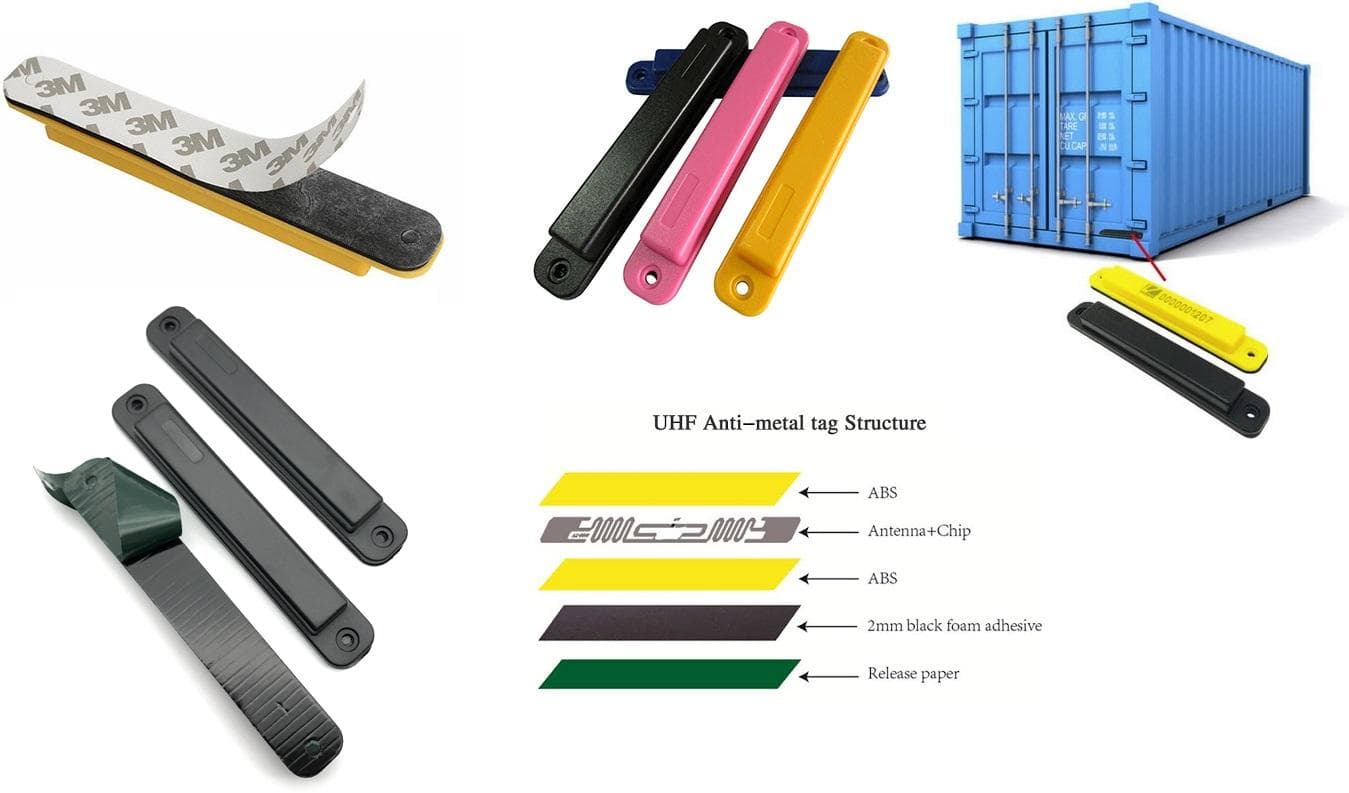
Maximizing Asset Visibility: The Ultimate Guide to Anti-Metal UHF RFID Tags
Mar 2, 2026
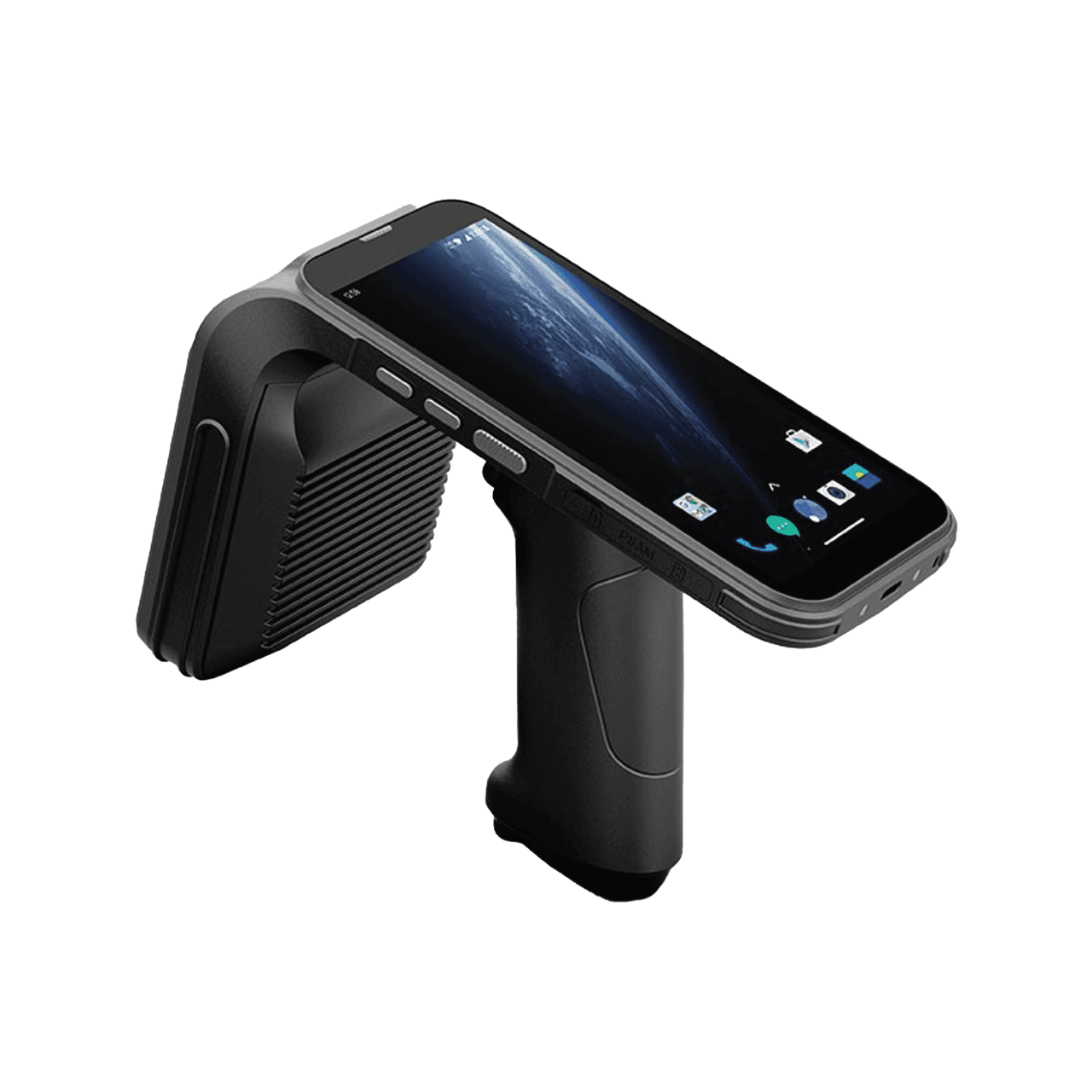
Chainway C72 Comprehensive Review: Specs, Pricing, and Top Alternatives
Mar 2, 2026
The Ultimate UWB Module Comparison: Prices, Specs, and Use Cases
Feb 23, 2026
Under the Hood of Amazon's Just Walk Out: An RFID Engineer's Analysis
Feb 19, 2026