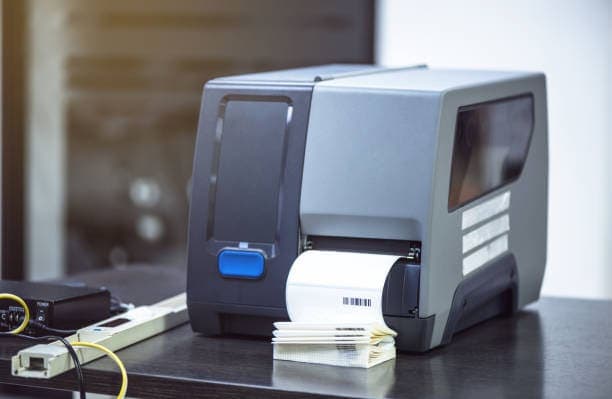
Here are some of the first questions most businesses ask when they start exploring RFID: if we want to deploy it, is it necessary to invest in an RFID printer? RFID printers are often far from cheap, so this concern is completely reasonable—especially for organizations that are new to the technology.
Quick answer: NO. An RFID printer is only truly needed when you must both print information onto the label surface and encode RFID data at the same time. With many modern systems—especially when managing by uploading the entire product to software first, then recording EPC as Nextwaves deploys it—you don’t need an RFID printer at all.
To understand why, first you need to clarify what an RFID printer can actually do, and more importantly, what deployment schools are currently being commonly applied.
What is an RFID printer, and how is it different from a regular label printer?
An RFID printer (RFID printer or RFID encoder) is a device that performs two tasks simultaneously on the same label:
Print the visible portion on the label surface, including text, logos, barcodes, serial numbers—just like a regular label printer.
-
Encode (encode) data into the RFID chip embedded inside the label, meaning you write an identifier code such as EPC into the tag’s memory.
This is the core difference. A normal label printer prints only onto paper. An RFID printer adds an encode module to write data into the chip during the printing process, thereby creating a "smart label" that can be read both by the human eye and barcode scanners, as well as by an RFID reader.
The key point to remember: printing and encoding are two separate functions. An RFID printer combines both. If your needs don’t require the printing part, then you also don’t need an RFID printer.
Understand how RFID tags store data
To know when you need—and when you don’t need—an RFID printer, you need to understand how an UHF RFID tag (EPC Gen2 standard) stores data. The tag’s memory is divided into several main areas:
TID (Tag Identifier): The chip’s identifier code, fixed by the manufacturer at the factory. TID is globally unique, cannot be changed, and does not duplicate between any two tags.
-
EPC (Electronic Product Code): A data area that can be written and overwritten; it’s often compared to the product’s "license plate." This is the data portion you define and encode according to your own system.
-
User Memory: An extended memory area for storing additional optional information.
-
Reserved: An area that stores access passwords and tag locks.
Why is this important? Because every RFID tag already has a unique TID as soon as it ships—even if you have never written anything onto it. This enables a very cost-effective deployment direction: in many cases, you only need to read the tag’s code and associate it with the product in the software. That’s enough—no need to print, and no need for an RFID printer.
Two RFID deployment philosophies determine whether you need a printer
In practice, there are two main approaches for putting RFID into operation. The approach you choose will determine whether you are required to buy an RFID printer or not. This is the most important part of the article.
Philosophy 1: Print labels first; a typical example is Odoo and ZPL
Many ERP systems, including Odoo, manage product labels in a way that prints tags on-site. When you follow Odoo’s label-printing approach, you usually have to stick with ZPL.
ZPL is short for Zebra Programming Language, a control language used to design and print labels on Zebra printers. To print an RFID smart label through Odoo, you need to design a label template using ZPL, using RFID write commands (for example, the ^RFW command to write EPC to the tag), and then send the print command to a ZPL-compatible RFID printer.
The consequences of this philosophy are very clear: you are essentially required to own a ZPL-compatible RFID printer (typically Zebra models), and your process is tied to that specific hardware and label format. In return, you get a label that prints information, barcodes, and also contains RFID data on the same tag.
Suitable when: you truly need a label that has both visible information and RFID data—for example, retail price tags or shipping labels.
Philosophy 2: Record EPC in software, as Nextwaves deploys
Instead of printing labels for each individual product, Nextwaves’ approach is to upload the entire product catalog to the software first, and then record and assign EPC codes of existing tags to each product or each inventory unit.
Specifically, you use pre-encoded tags—or even simply use the tag’s original TID code—scan them with a reader to retrieve the code, then link that code to the product in the software. From that point on, the software automatically knows which product each EPC code corresponds to, which location, and how many units.
This method involves no printing steps. No template design, no ZPL, and no dependence on a Zebra printer. This is exactly the direction that platforms such as Easy Inventory and Nextwaves Cloud were built to support.
Advantages:
No need for an upfront investment in an RFID printer.
-
Flexible tag types—supports many kinds of pre-encoded tags or hard tags.
-
Fast deployment: just the reader and software are enough to get started immediately.
-
Easy to scale because you’re not bottlenecked at the printing stage.
-
No operating costs for ink, ribbons, label materials, and printer maintenance.
Suitable when: your main goal is identification, inventory management, and asset or goods traceability, and it’s not necessary to print information onto the label.
Comparison of the two philosophies
CriteriaInlay EPC on label (Odoo + ZPL)Capture EPC in software (Nextwaves)RFID printer requiredYes, usually a Zebra printer compatible with ZPLNoHardware constraintHigh, tied to ZPL and specific printer modelsLow, uses standard readers and various tagsInitial investmentHighLowOperating costInk, ribbon, label supplies, maintenanceMainly RFID tagsDeployment speedSlower, must set up templates and printersFaster—just a reader and softwareLabels with printed information and barcodesYesNo, data is stored in the softwareMost suitable forRetail, logistics that require printed labelsWarehouses, assets, manufacturing, laundry
How does the EPC capture process in the operating software work?
To clearly see why this direction doesn’t require a printer, just look at the real process. All steps revolve around software and the reader—there’s no printing step.
Create a product catalog in the software. You enter or synchronize all products, assets, or supplies that need to be managed into the system.
-
Prepare RFID tags. Use tags that are already encoded by the supplier, or simply use the tag’s original TID code.
-
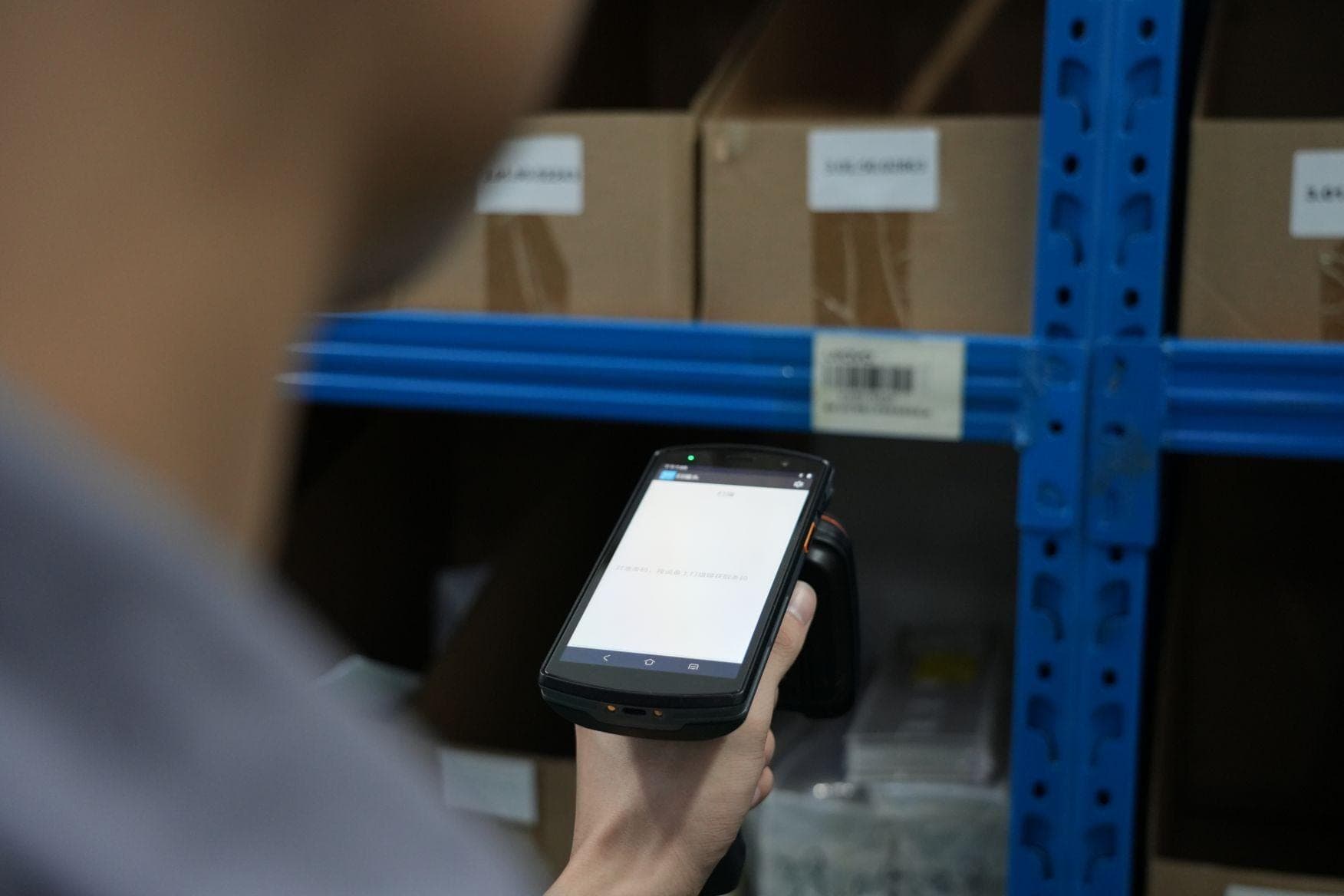
Scan the tag to retrieve the code. Use a handheld reader to read the EPC or TID of each tag.
-
Assign the code to the product. Link the code just read with a specific product or inventory unit in the software.
-
Stick or attach the tag to the product. Each item now has a unique identifier code linked to it.
-
Operate. From then on, every time you scan, the system automatically recognizes the correct product without needing to print anything again.
As you can see, no printing step appears in this process. That’s the direct reason why the EPC capture direction on the software doesn’t need an RFID printer.
When you DON’T need to buy an RFID printer
To summarize, you can skip investing in an RFID printer if you fall into any of the following situations.
1. Manage using the EPC capture approach in software
As analyzed above, if you put all products into the software and assign each tag’s EPC code to the corresponding product, you don’t need to print anything.
2. Use tags that are already encoded by the supplier
You can ask the supplier to deliver already-encoded tags and print them in advance according to the required code range. All printing and encoding work are performed at the factory in large batches. When you receive them, you only need to stick or attach the tags and use them.
3. Use hard tags, which have nothing to print
Many applications use hard tags, but by nature hard tags do not print on their surface:
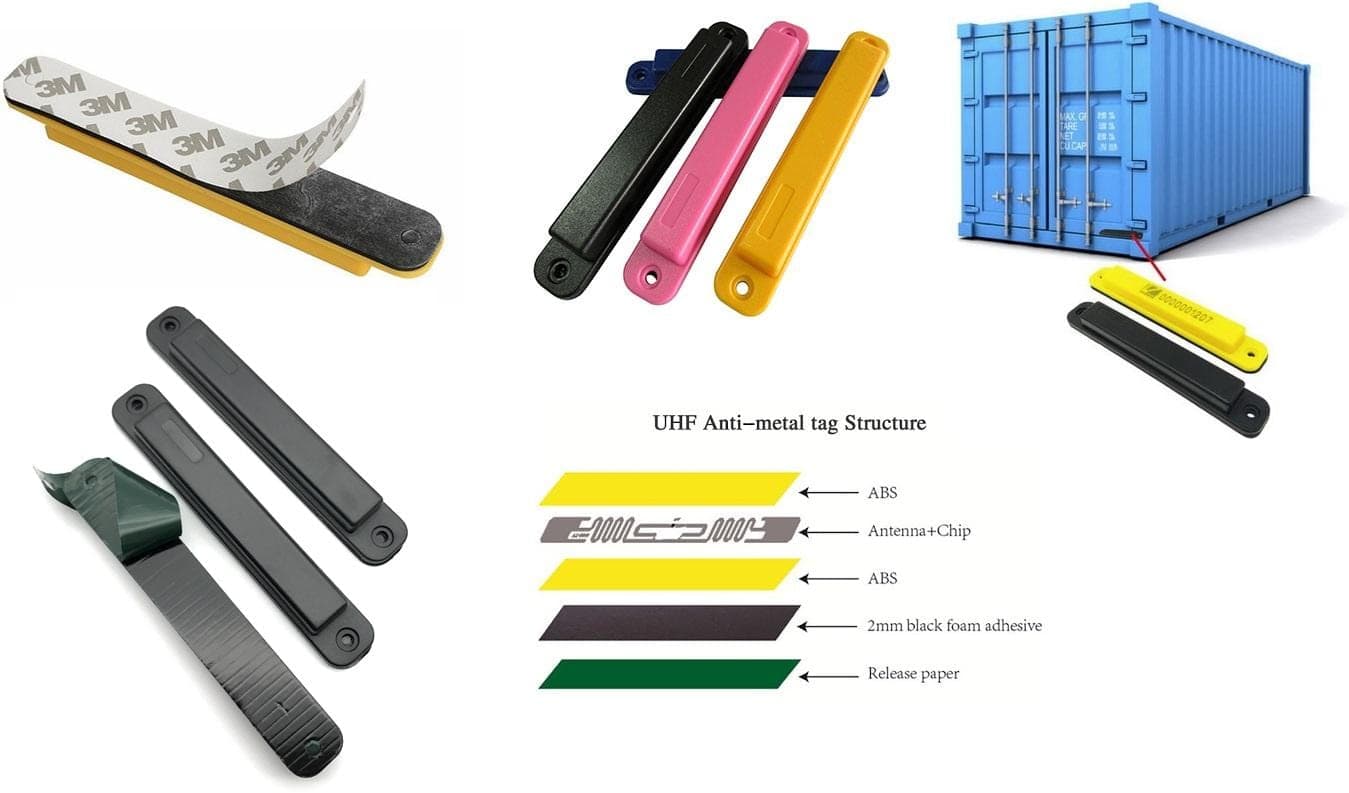
Metal-mount tags (on-metal tag) for equipment, machinery, and industrial assets.
-
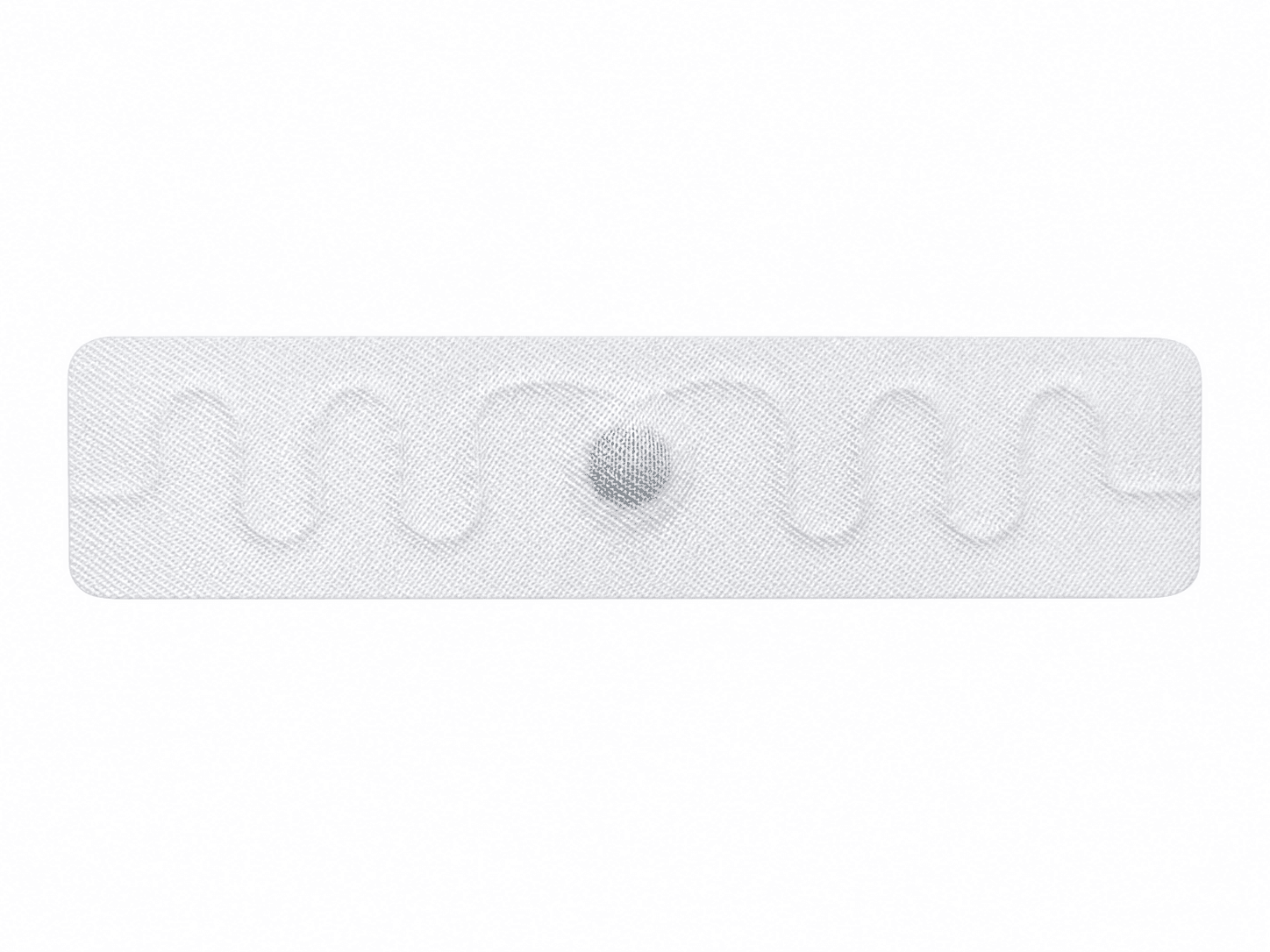
Laundry tags sewn or pressed into clothing, towels, bedsheets, and pillowcases.
-
Asset tags made of hard plastic attached to devices, tools, and instruments.
-
Identification tags for pallets, containers, and shelving.
4. Identification based on the tag’s original TID code
If your system uses the tag’s unique original TID code as the identifier key, you don’t need to write any additional data. The process is very simple: scan the tag, obtain the TID, and link the TID with the product in the software.
5. Only encode, no printing
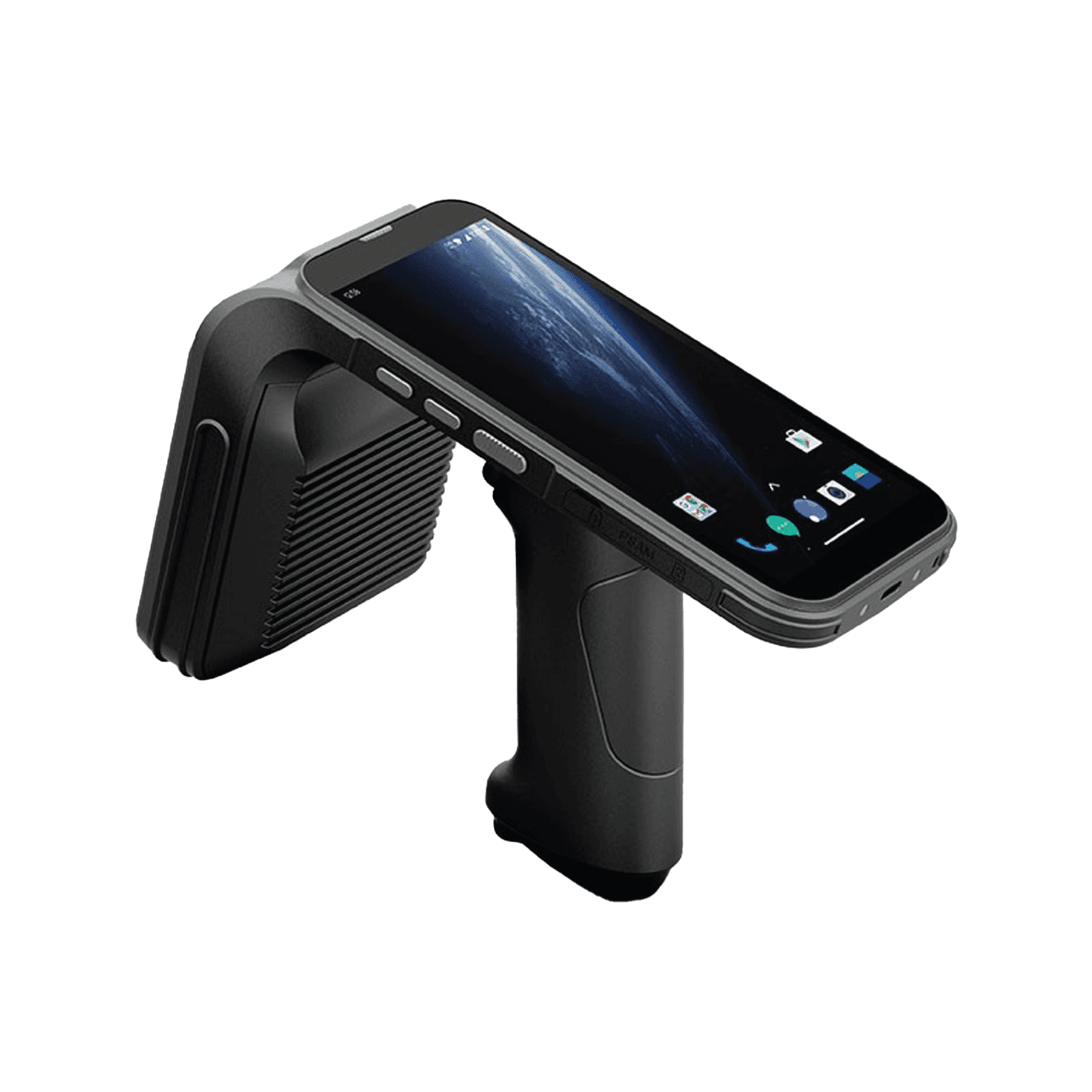
If you need to write EPC separately onto the tag but don’t need to print text or barcodes on the surface, you still don’t need an RFID printer. Encoding can be done using a handheld reader, a fixed reader with an antenna, or a desktop encoding device—typically much cheaper than an RFID printer.
6. Small quantities or infrequent needs
If each month you only need a few hundred to a few thousand tags, ordering already-encoded tags in batches is far more reasonable than spending a large amount to buy a printer just to use it sporadically.
When you SHOULD consider buying an RFID printer
RFID printers exist because they solve problems that the above approaches can’t. You should invest in an RFID printer when:
1. You need to print on demand with continuously changing data
When each label carries different data and must be created on-site—for example, a sequential serial number, order code, or production date by batch—printing on-site with an RFID printer is the most flexible solution. You can’t pre-order thousands of labels with data that you don’t know at the time you place the order.
2. You need both visible information and RFID data on the same label
This is the classic reason to use an RFID printer. Typical examples are fashion retail price tags (displaying price, brand, size, and a barcode, while also containing an RFID chip) and logistics shipping labels (printing an address, tracking code, and encoding RFID so it can be automatically scanned through a gateway).
3. Want to proactively produce large-volume labels in-house
If you print a very large number of labels every day and want to be independent—without depending on the supplier’s delivery lead time—owning an RFID printer helps you better control progress and label design.
Overall comparison of options for putting data onto tags
Buy an RFID printer
Initial investment: High
-
Print text and barcodes on the label: Yes
-
Encode RFID data: Yes
-
Print changing data on-site: Best
-
Suitable for small quantities: Cost-inefficient
-
Typical scenarios: Retail price tags, logistics labels
-
Order already-encoded tags
Initial investment: Low
-
Print text and barcodes on the label: Pre-printed by the factory
-
Encode RFID data: Pre-encoded by the factory
-
Print changing data on-site: Limited
-
Suitable for small quantities: Very suitable
-
Typical scenarios: Most warehouse and manufacturing projects
-
Encoding device or reader
Initial investment: Medium to low
-
Print text and barcodes on the label: No
-
Encode RFID data: Yes
-
Print changing data on-site: No printing
-
Suitable for small quantities: Suitable
-
Typical scenario: Encode individual tags, no need to print
-
Use the original TID
Initial investment: Very low
-
Printing text and barcodes on the label: No
-
RFID data encoding: Not necessary
-
Printing changing data on site: No
-
Suitable for small quantities: Very suitable
-
Typical scenarios: Asset management, warehouse inventory
Recommendations by industry
To make it easier to apply, the guidance below is based on common industry groups.
Fashion retail, cosmetics: RFID label printers are often recommended because each product needs its own price tag, combining a barcode and RFID. However, for large-scale chains, many brands choose to apply labels directly at the manufacturing facility rather than printing themselves.
Warehouse and asset management: Most cases do not require an RFID label printer. You can use pre-encoded cards or identify items using the original TID, then manage them using handheld readers and software in an approach focused on recording EPC.
Laundry services, hotels, hospitals: RFID label printers are not needed. Laundry cards are hard tags sewn into or pressed onto items and are already encoded; you only need to read and manage them.
Manufacturing, industrial: Printing is usually not required. Anti-metal tags are attached to machinery, molds, pallets, and identification is done via pre-set TID or EPC.
Logistics, supply chain: An RFID label printer may be needed if you create shipping labels yourself, combining printed information with RFID data right at the packing point.
Libraries, document storage: Printing is usually not required. Stick-on tags for books or files can be pre-encoded and managed entirely through software.
Cost considerations and total cost of ownership
When considering the purchase of an RFID label printer, many companies look only at the device price and forget about the total cost of ownership. RFID label printers not only require initial investment, but also bring long-term operating costs: ribbons or printing ink, specialized label consumables, replacement parts, and periodic maintenance.
On the other hand, an EPC-recording approach in software mainly incurs costs for RFID cards, readers, and management software. When label printing is not truly necessary, the total cost of ownership for this approach is typically significantly lower, and deployment is also faster because it avoids the entire label printer setup process.
Frequently asked questions
How can data be written to the tag without an RFID label printer?
You can order pre-encoded tags from a supplier, or encode the data yourself using a handheld RFID reader, a fixed reader, or a desktop encoding device. Encoding does not necessarily have to be tied to a label printer.
Is RFID encoding the same as RFID printing?
No. Encoding means writing data into the RFID chip. Printing means creating text content and barcodes on the label surface. An RFID label printer does both at the same time, but you can do only one of them depending on your needs.
Does Odoo require using an RFID label printer?
If you follow the Odoo label-printing approach, you typically need to use ZPL and a compatible RFID label printer, commonly the Zebra printer line. However, that is a choice of implementation method, not a mandatory requirement of RFID in general. You can still manage by recording EPC in software and skip label printing.
What is ZPL?
ZPL stands for Zebra Programming Language, a control language used to design and print labels on Zebra printers, including commands for writing data into RFID tags.
How is Nextwaves’ implementation different from label printing?
Nextwaves follows an approach where all products are first brought into the software, then the cards’ EPC is recorded and assigned to each product. Since the data is stored in software rather than being printed on the labels, you do not need an RFID label printer.
Do RFID tags come with an identification code from the factory?
Yes. Every UHF RFID EPC Gen2-compliant tag has a unique, fixed, non-duplicated TID code from the time it leaves the factory. Many systems only need to use this exact TID code for identification.
What should a small business start with?
In most cases, you should start with pre-encoded tags along with a handheld reader and management software that records EPC. Only when the need to print labels on-site becomes clearly necessary should you consider adding an RFID label printer.
Conclusion
Returning to the original question: using RFID does not require buying an RFID label printer. RFID label printers are a powerful but specialized tool; they are truly necessary only when you need to both print human-readable information and encode RFID data onto the same label, at large volume.
The difference lies in how you choose to implement it. If you follow the label-printing approach like Odoo, you typically need to use ZPL and a compatible RFID label printer. But if you follow the approach of bringing all products into software and then recording EPC like Nextwaves does, you do not need label printers, deployment is faster, and costs are significantly lower.
Practical advice: start from your business use case—what you need to read, what you need to manage, whether you need printed information on the labels—then choose the right equipment, instead of assuming that doing RFID means you must purchase a label printer.
If you are unsure about the right configuration for your industry, Nextwaves’ team can advise on an end-to-end RFID solution, from V-Series tags, handheld and fixed Hyperion readers, to Easy Inventory and Nextwaves Cloud software—helping you deploy exactly what you need without unnecessary investment.